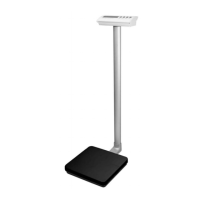
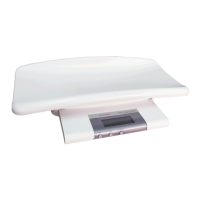
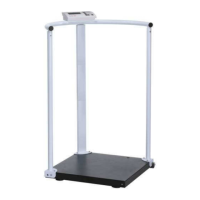
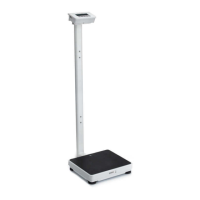
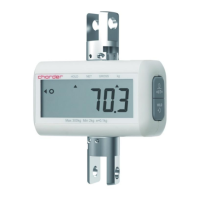
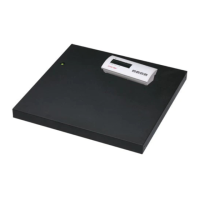
P520 Series
5 IN-00023[REV001] 201709
Troubleshooting
Check the battery or adapter
Power cord not plugged in properly
Check power cord connection and
plugged in properly into the power
outlet.
Have the scale serviced by Charder
authorized service center.
Move the scale to suitable location,
refer to the manual Selecting the
Location.
Service Information
If the troubleshooting section above does not resolve or describe your issue, contact your authorized Charder service
agent for further assistance or Charder Customer Support at +886-4-2406-3766 or email to info_cec@chrder.com.tw
TECHNICAL DATA
Specifications
100 V - 240 V DC 9V / 0.3A AC adapter
6-AAA batteries
1.5 in LCD with Red and Green backlight
5-digit 7-Segment, Character height 21 mm/0.83 in
3 Keys
On / Off, Unit / Hold, Tare / Backlight
Operating
Temperature and
Humidity
5°C to 35° C / 41°F to 95°F
15% - 85% RH
304 Stainless Steel platform and ABS plastic bottom
175 x 165 mm / 7" x 6 1/2"
175 x 220 x 205 mm / 7" x 8 2/3" x 8"


 To Next Page