© Limitless Innovations, Inc.
9
+
Operation Instructions
cont’d
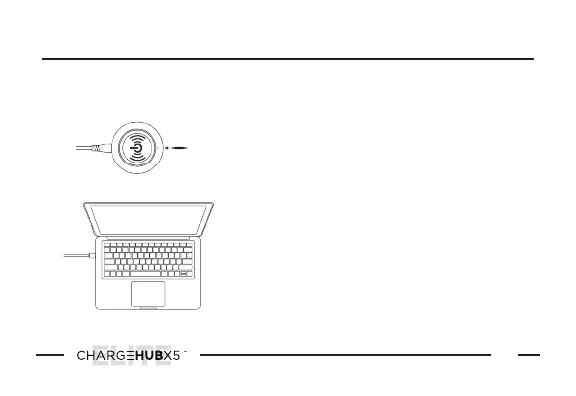
Plug the other end of the Type-C cable into
your device or laptop.
NOTE:
Not all devices and laptops are compatible
with Type-C Power Delivery. Please refer to
your devices user manual for instructions on
the proper way to charge your device.
2
Plug the Type-C connector of your cable
into the Type-C Charging Port.
1
HOW TO CHARGE USING A TYPE-C CABLE


 To Next Page