© Limitless Innovations, Inc.
10
+
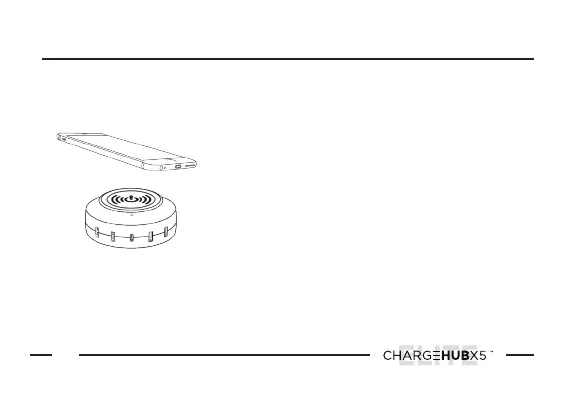
Place your compatible device on top of
the Wireless Charging Pad. The Wireless
Charging Indicator Light will illuminate when
successful. Once device is fully charged the
Wireless Charging Indicator Light will turn o.
NOTE:
If the device does not immediately
begin to charge you may need to adjust the
positioning on top of the Wireless Charging
Pad until there is a successful connection.
1
Operation Instructions
cont’d
HOW TO CHARGE WIRELESSLY


 To Next Page