6
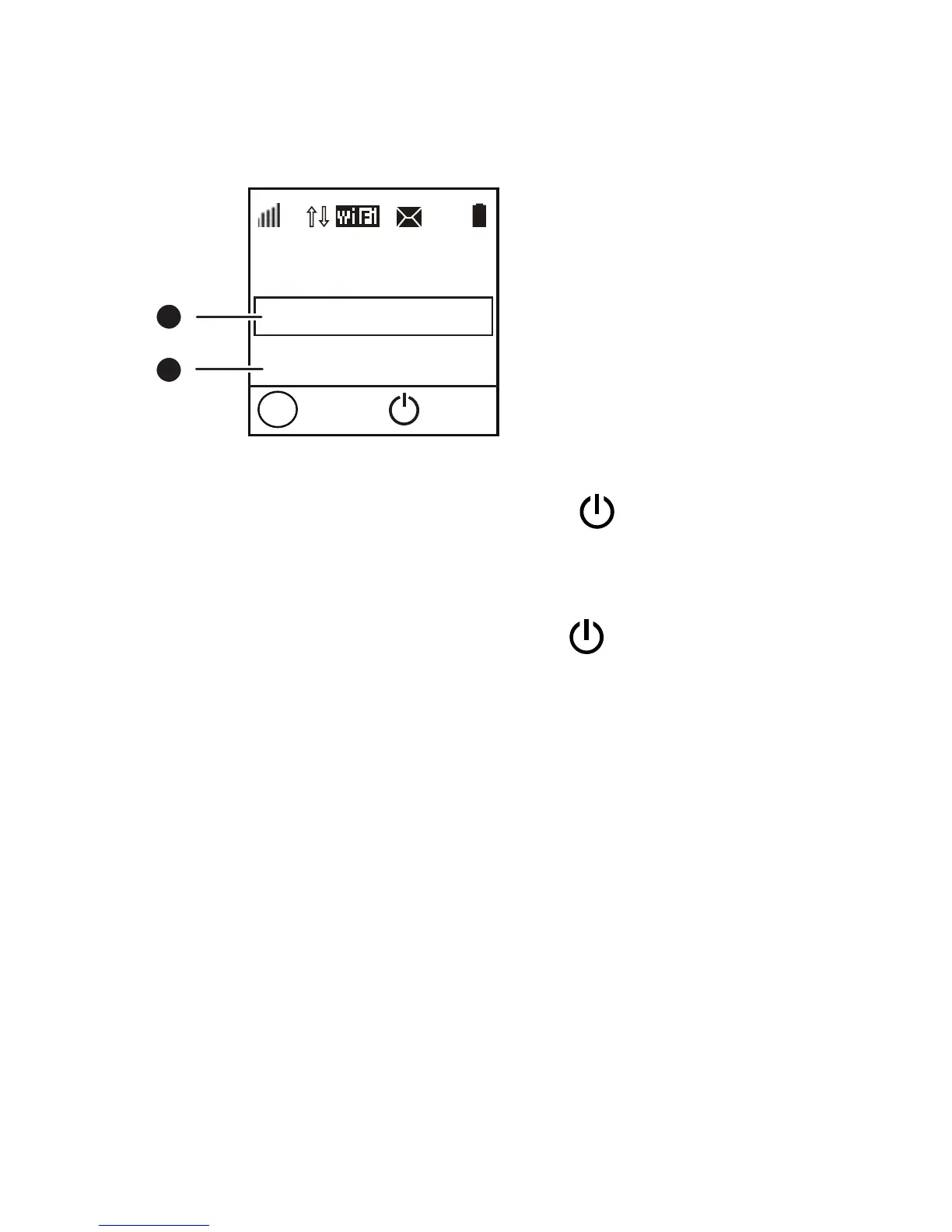
Update screen
When updates are available, you will be prompted to
update the CharJi EVO CLOUD.
New Software
Update
Ignore
1
2
Next
OK
Menu
CJ
1
100%
1
Update
When Update is selected, press the
button to
update the CharJi EVO CLOUD.
Ignore
When Ignore is selected, press the
button to
ignore the update.


 To Next Page