7
SSID and Wireless Network Encryption
Key
When a Wi-Fi device establishes a connection to
the CharJi EVO CLOUD for the first time, you
may need to enter the default Service Set
Identifier (SSID) and wireless network
encryption key.
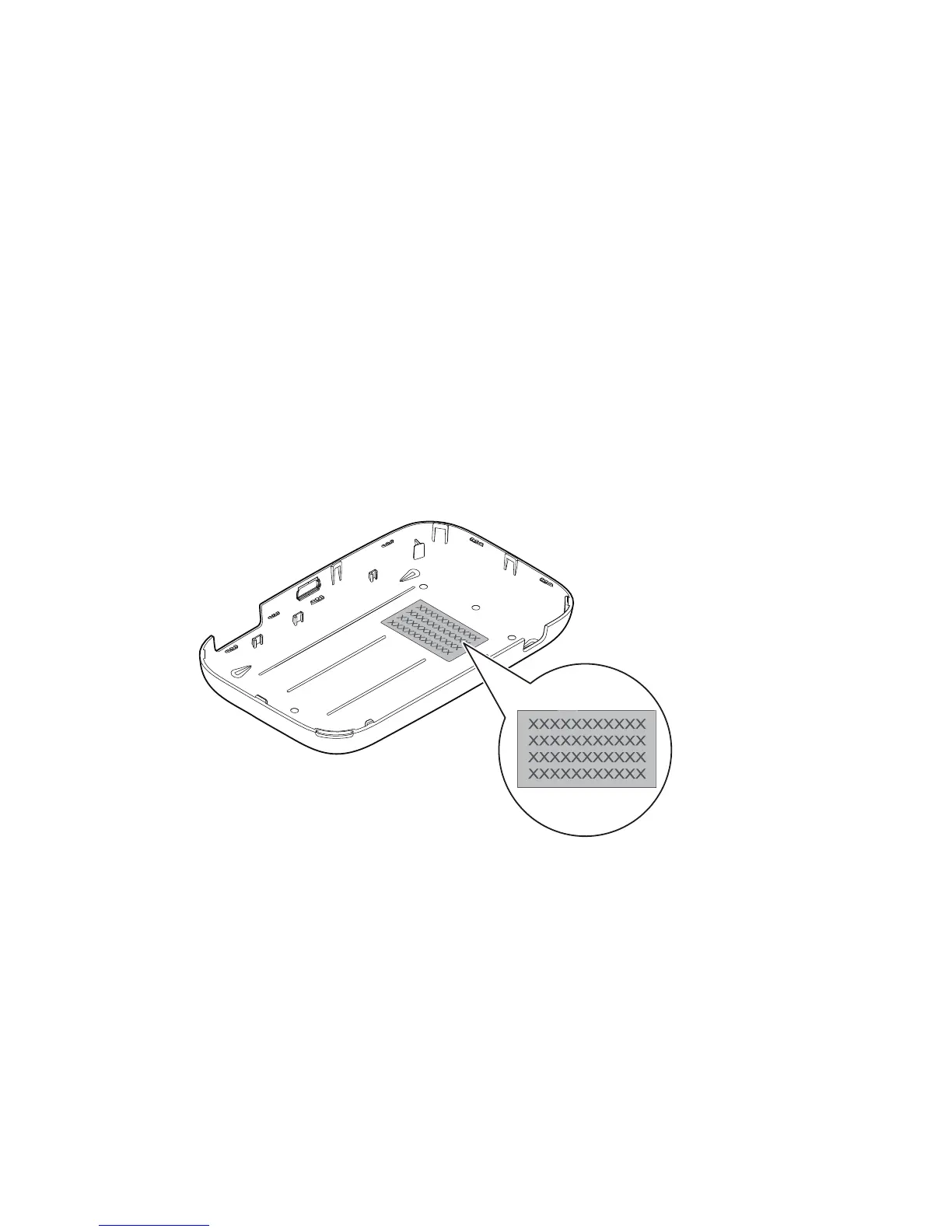
The default SSID and encryption key are printed
on the CharJi EVO CLOUD label.
It is recommended that you log in to the web
management page and change your SSID and
network encryption key.


 To Next Page