EasyManua.ls Logo

CHASE Paymentech VeriFone Vx Series - Hot Key Functions; Navigation Arrow Keys; Tip Adjust Hot Key; Gift Card Hot Key

Default Icon
16 pages
Print Icon
To Next Page IconTo Next Page
To Previous Page IconTo Previous Page
Loading...
3
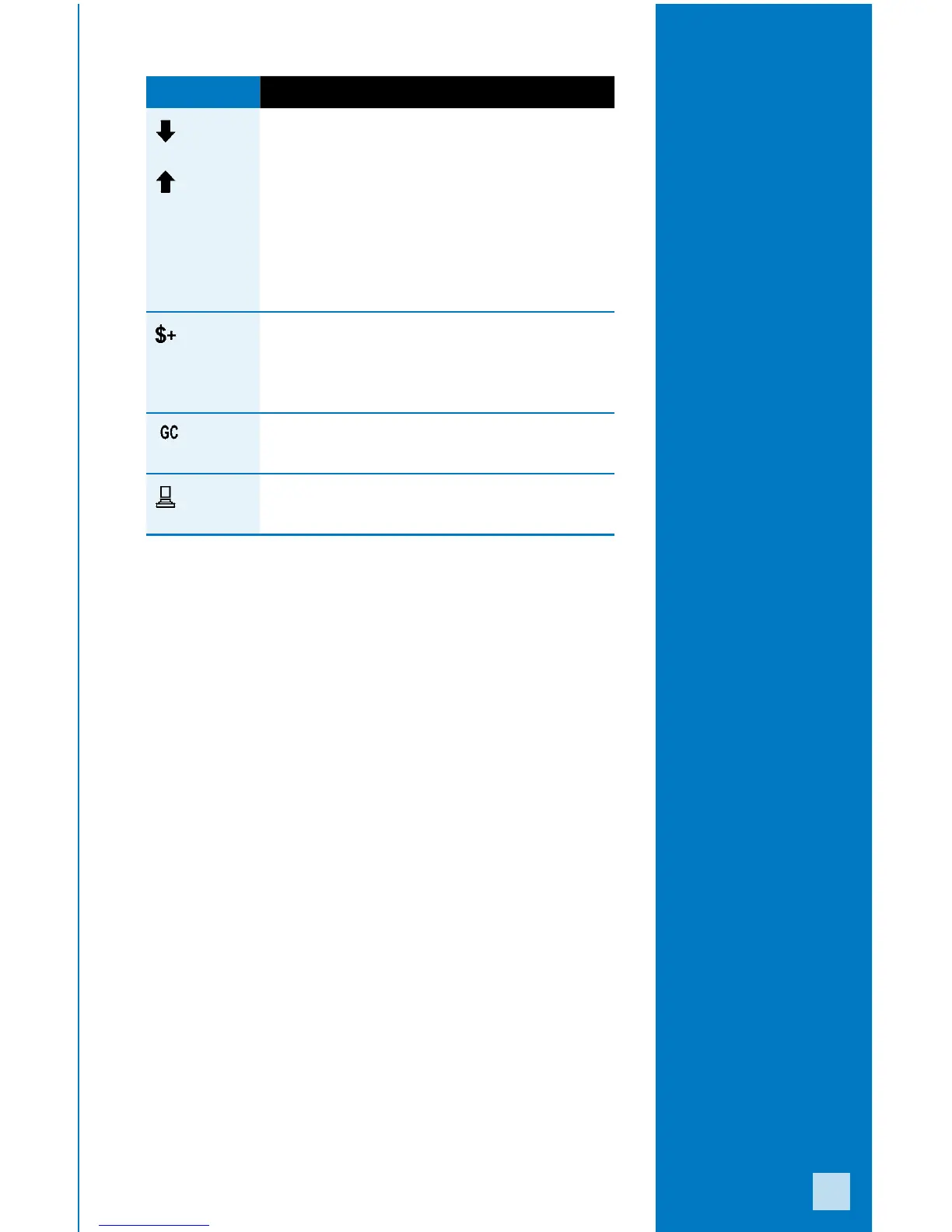
Display Icon Location Function
First Hot Key
Far Left
Down Arrow - press
to scroll down to
the next menu.
Up Arrow - press to scroll
up to the previous menu.
Press the yellow key
to toggle between the
directional arrows.
Second Hot Key
Middle Left
Tip Adjust - press to add
a gratuity to a completed
transaction prior to
settlement, if enabled.
Third Hot Key
Middle Right
Gift Card - press to initiate
a gift card transaction.
Fourth Hot Key
Far Right
Reports - press to access
available reports.
Hot Key
Functions
Press the [ALPHA]
key from the idle
prompt to view icons
for the four hot keys.