43
Modem Authentication & Logging
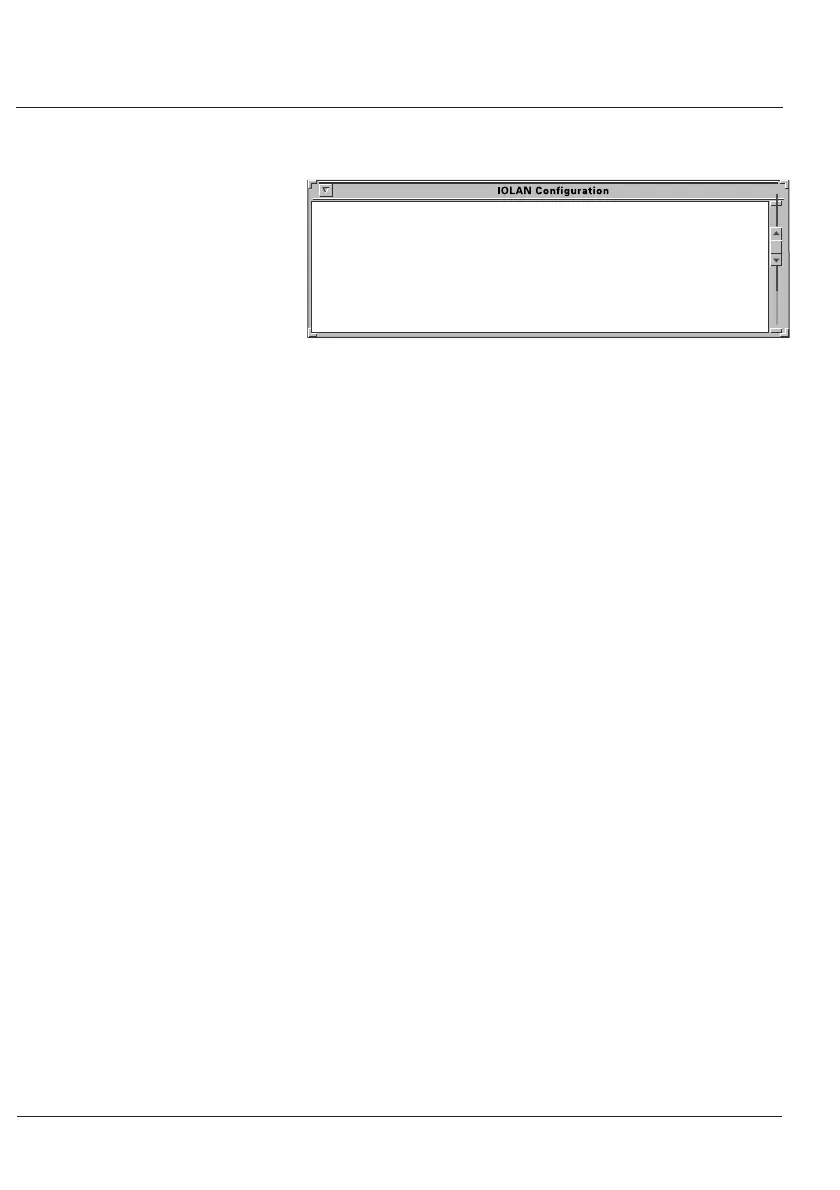
Tue Jan 17 12:03:22 GMT 1997: server earth logger started
Tue Jan 17 12:03:22 GMT 1997: server earth is alive
Tue Jan 17 12:08:22 GMT 1997: server earth is alive
Tue Jan 17 12:09:28 GMT 1997: server earth user us1 logged into port 1
Tue Jan 17 12:12:22 GMT 1997: server earth user us1 logged out port 1
Tue Mar 21 12:27:09 GMT 1997: server earth user us1 logged into port 1
Tue Jan 17 12:13:20 GMT 1997: server earth is alive
Tue Jan 17 12:28:33 GMT 1997: server earth user us1 logged out port 1
Figure 19: Example Log file.
5.4 Tips
Windows
®
notes
Authentication of Windows NT
®
requires a telnet daemon.
Check the Windows
®
section of our FTP site for the latest
Windows
®
telnetd software. You will need to set up your
users on Windows NT
®
through this software.
Logging on Windows NT
®
also requires a utility called
log_it.exe
. If the Windows NT
®
login user id is ‘logger’,
enter it into IOLAN+ as
Nlogger
so that IOLAN+ will know to
use the
log_it.exe
utility.
Also, on the Host Authentication And Logging menu, change
the IOLAN+
Success Indication String
to read,
Microsoft
instead of
Last.
)
Unix notes
For LINUX users, edit the file
/etc/motd
and put the word
‘Last’ in it. This will agree with the standard setup of the
Host
Authentication And Logging
menu’s
Success Indication String
.


 To Next Page