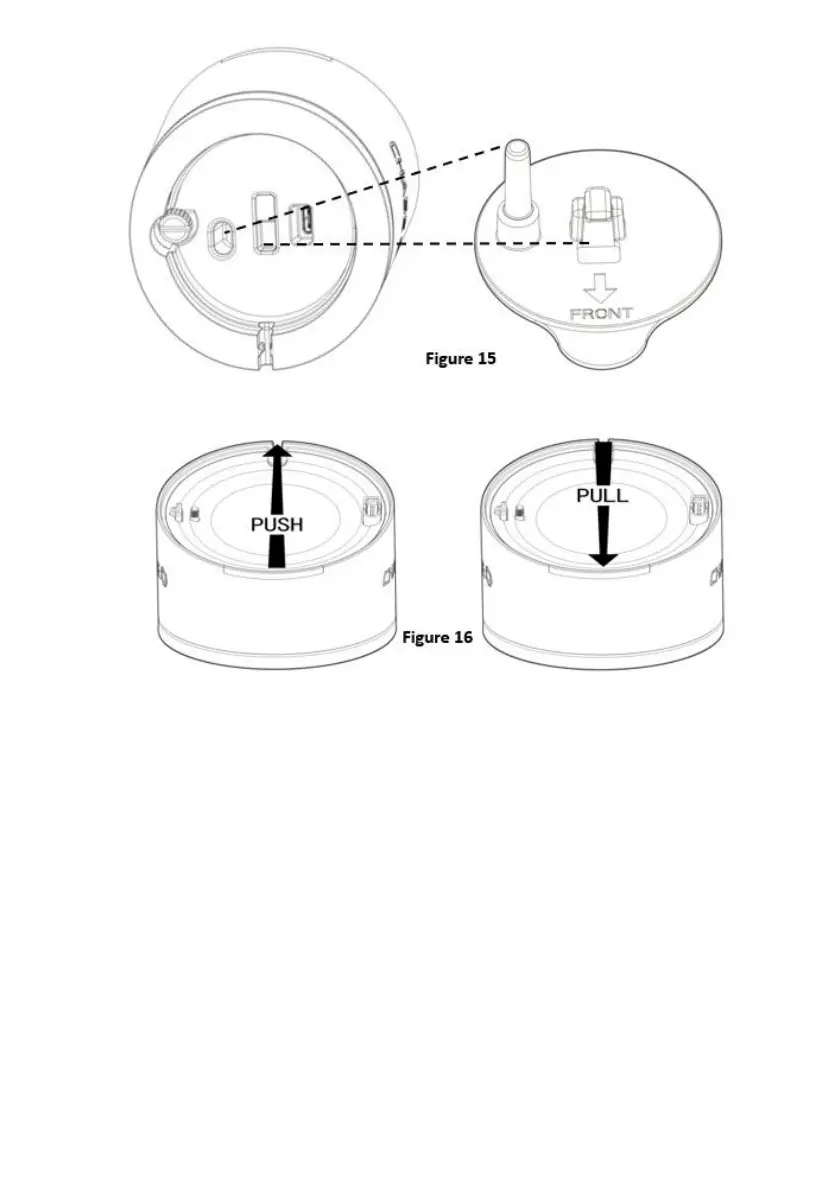
Step#3: Push the Charging Base from the front side to fix it with the Base Holder.
Pull it back to remove the Base from the desktop as Figure 16.
9. HOW TO PLUG IN THE BASE
Use the 6.5ft (2m) power cable provided in the charging base box to connect the base
to the 5V/2A power adapter.
Locate the L-shaped plug and plug it into the bottom of the base as shown in Figure
17.



 To Next Page