4
Use of the Terminal
To power on:
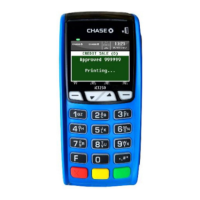
Press and hold the <Power> button for about 1 second until the Chase
screen appears.
To power o:
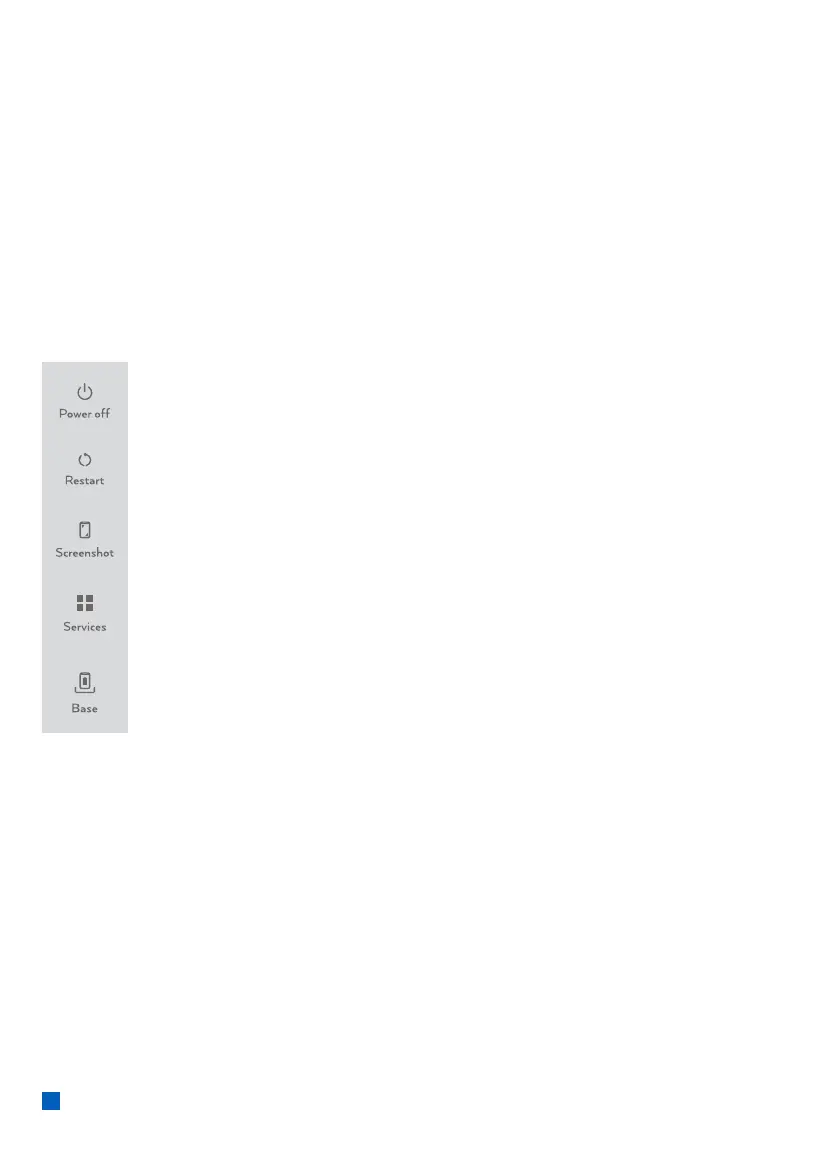
Press and hold the <Power> button for more than 2 seconds until
the display shows the gure below, then press <Power o>.
All devices come with a battery, so ensure it is charged each day.
If the battery is empty, the terminal automatically shuts o.
Screen saver mode:
Press and hold the <Power> button for 0.5 seconds, the terminal display
will be turned on or o.



 To Next Page