Need help?
Do you have a question about the Chase DX8000 and is the answer not in the manual?
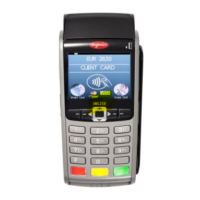
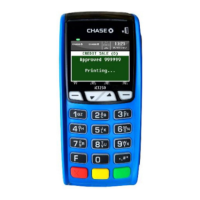
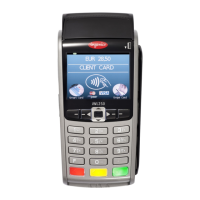
Identifies and explains the physical components of the DX8000 terminal.
Instructions for powering the terminal on/off and enabling screen saver mode.
Details on user credentials, protected transactions, and password levels.
Guide to entering temporary and dynamic passwords for terminal access.
 General
| Brand | Chase |
|---|---|
| Model | DX8000 |
| Category | Payment Terminal |
| Language | English |


 To Next Page