6
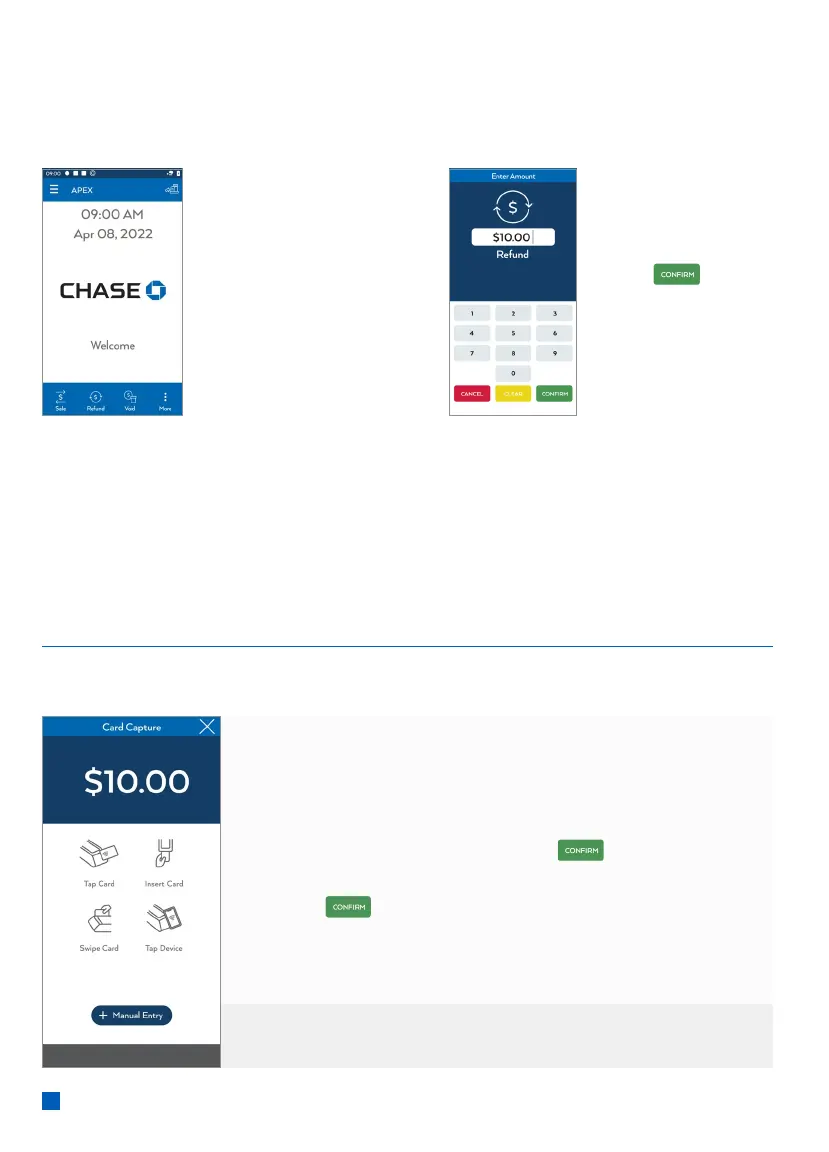
Return/Refund
Perform a return to refund money to a cardholder’s account from a sale completed
in a closed batch (e.g., previous day).
From idle screen,
select Refund.
Then key in
amount and
press
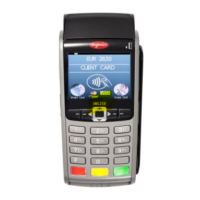
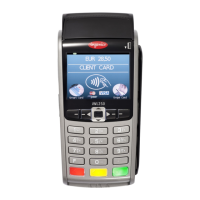
Customer is prompted to Tap/Insert/Swipe
1. Customer conrms the refund amount.
2. Customer selects Chequing or Savings (Debit Only).
3. Customer enters PIN and presses
.
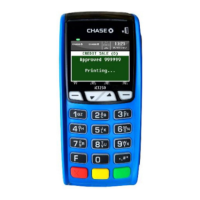
4. Receipt prints and approval is displayed.
Press
to print the customer copy.
For contactless (tap) transactions, the customer holds their
card over the terminal until the reader ashes and/or beeps.
What the customer sees
* Follow prompts until refund is completed.



 To Next Page