E
D
G
F
J
H
I
K
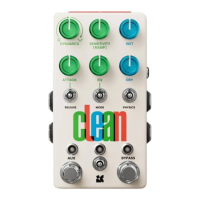
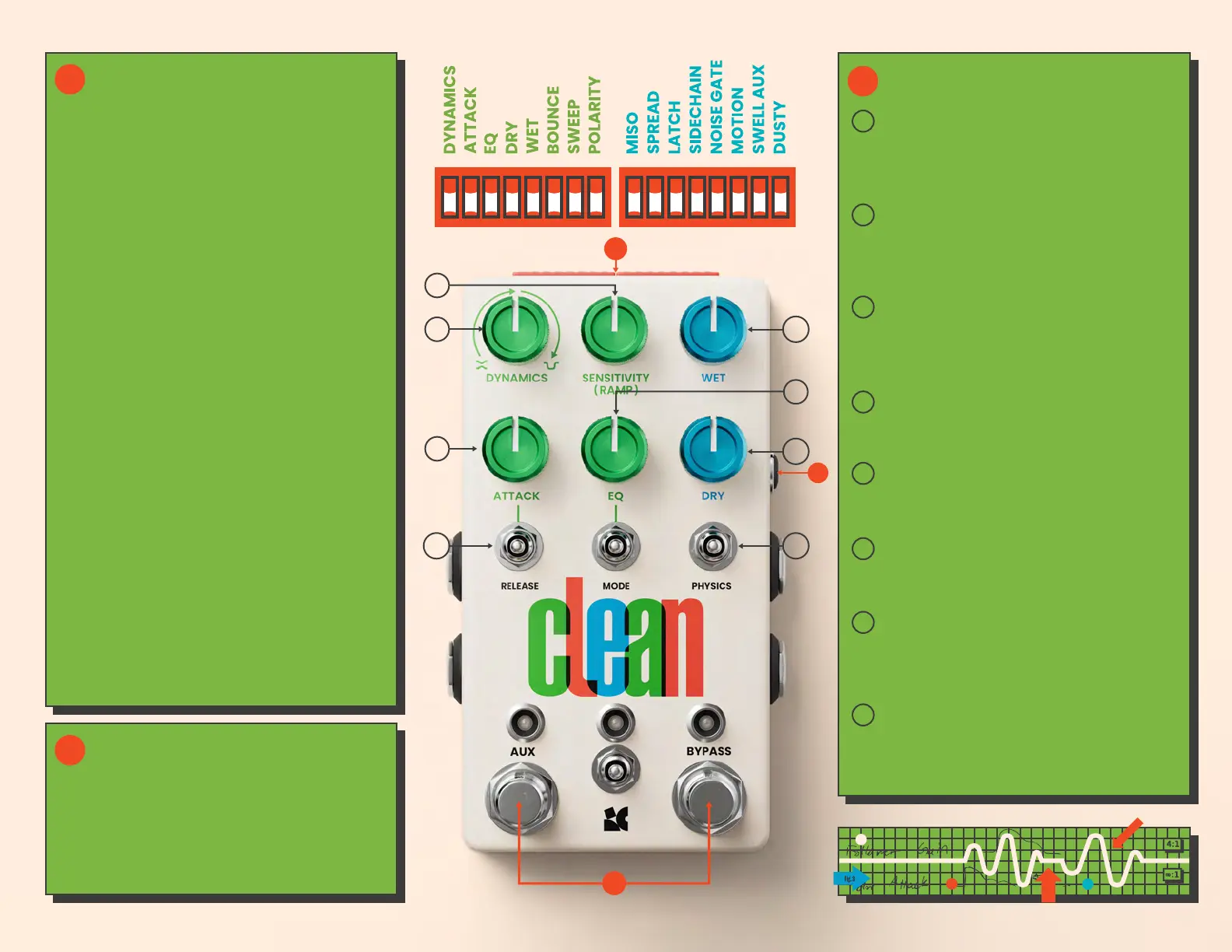
You can use Clean’s various dipswitches
to configure the pedal to your liking:
MISO
Mono In, Stereo Out. Splits a mono input
signal into a stereo output signal.
SPREAD
Engages stereo processing. The EQ,
compressor, and swells each have their
own distinct type of stereo motion.
LATCH
Changes the hold function for each
footswitch from momentary to latching,
so that it will remain engaged until the
footswitch is held again.
NOISE GATE
Activates a noise gate that will mute the
input when you’re not playing.
MOTION
Engages a special “motion mode” that
modulates the amount of compression
being applied.
SWELL AUX
Changes the function of the AUX
footswitch to allow for manual swells.
DUSTY
Transforms the limiter inside of Clean
into a distinct form of crumbly overdrive.
CUSTOMIZE
A
B
Allows you to use an external signal to
control Clean’s dynamic aspects. When
engaged, the compressor, EQ, and swells
will follow the signal plugged into the
1/8" SIDECHAIN input on the side of the
pedal instead of the input audio.
SIDECHAIN
B
C
HIDDEN OPTIONS
GATE RELEASE
Sets how quickly the Noise Gate will
re-engage once you go below the
threshold.
GATE THRESHOLD
Sets the threshold for Clean’s noise
gate. Any input audio quieter than
this threshold will be muted.
USER RELEASE
Allows you to set a custom value
for the RELEASE toggle's middle
position. Default setting is 650ms.
ENVELOPE TYPE
Selects which type of envelope
follower Clean uses.
SWELL IN
Sets how long it takes to reach full
volume when Swell is engaged.
SWELL OUT
Sets how long it takes to return to
silence when Swell is engaged.
ENVELOPE BALANCE
Lets you filter out low frequencies
from the audio being used to control
Clean’s dynamic response.
SPREAD ROUTING
Lets you independently assign
SPREAD to the EQ or volume-based
effects.
D
E
F
G
H
I
J
K
A
C


 To Previous Page
 Loading...