3. Charging Protection
·Only use the Chasing standard adapter.
·Red light means charging.
·Green light means fully charged.
4.Thruster/ Propeller
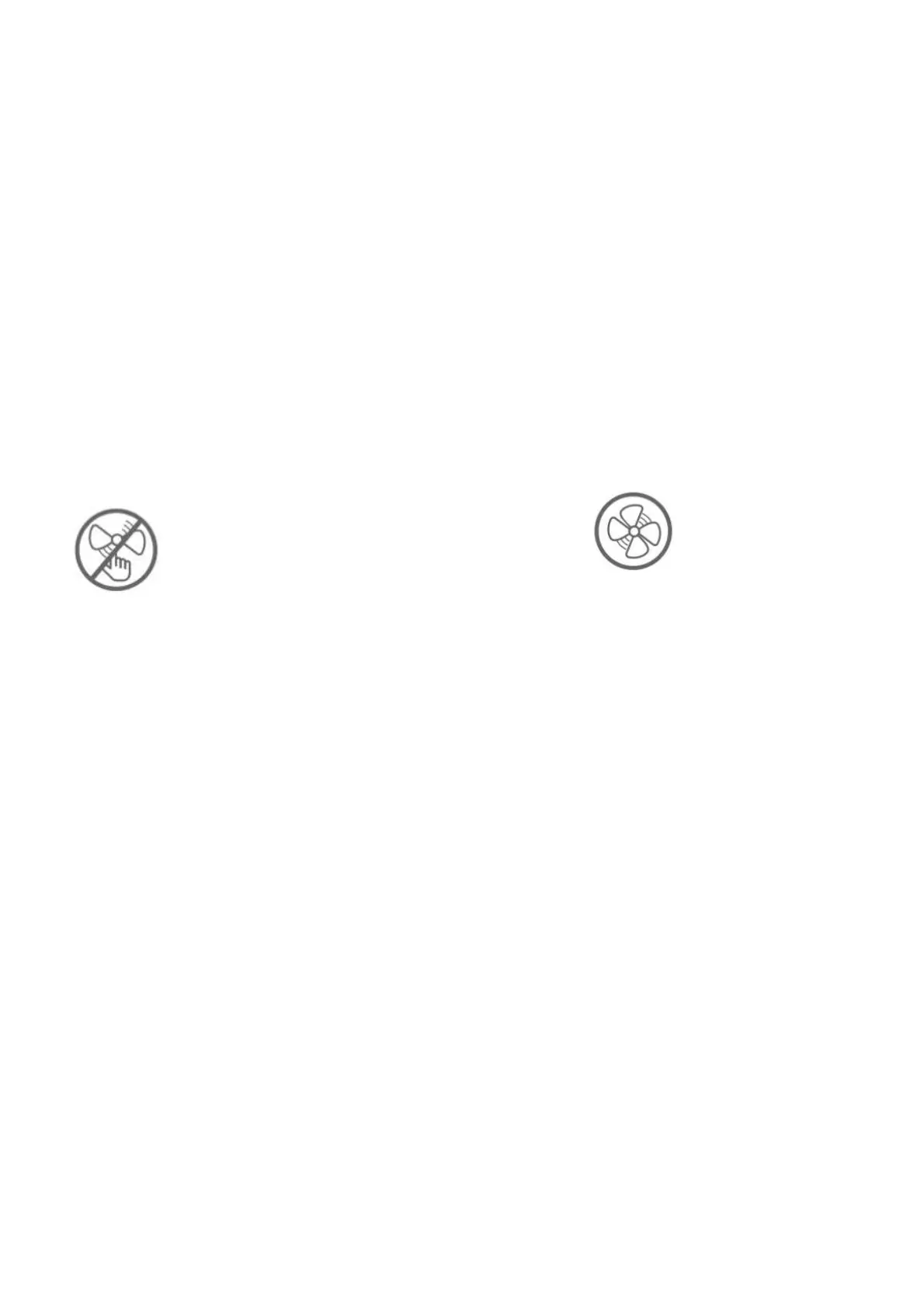
a. Do not touch the propellers of the Thruster
b. Do not unlock the Thruster for more than 30 seconds in the air to avoid overheating
c After using the ROV in the salt water, please put it in fresh water for about 1 hour and turn it on, let the drone run for10 minutes to
discharge the salt, and try out the water after cleaning with a towel.
5.Connector Sockets /Tether Connectors
·Check the Connector socket and tether pre-dive, keep dry and clean.
Salt and moisture may cause corrosion of the connector. Be sure to wash the socket with fresh water if the interface has water stains,
and make the connectors dry after cleaning.
6. O-ring
Check whether the O-ring on the tether connector/Battery socket/SD card socket pre-dive, and make a replacement when it is missed
or damaged.
It is recommended to grease the o-ring at the interface seal for maintenance each time when the battery cabin and Micro SD card are
removed and installed
Other
1. Do not turn on the LED lights before entering the water to avoid damages.
2. Check if the Thrusters/propellers are getting stuck by seaweed or external matters, rinse the ROV with fresh water and then dry
and put it back in the packing box.
3. Remote control cannot be washed with water, please clean it with towel.
4. The pull ring at the end of the battery can only be used to remove the battery, not to lift the ROV, otherwise it may damage the
ROV.


 To Next Page