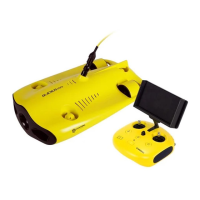
Remote controller
The Chasing M2 remote controller had integrated communication and control. It connects directly to the drone
via the included tether and connects wirelessly to your mobile phone/tablet via Wi-Fi. It allows the drone to
display a live video feed on your phone/tablet, which enables users to control the drone in real-time. The base
station's HDMI output can also be used to display a live video feed to a larger screen.
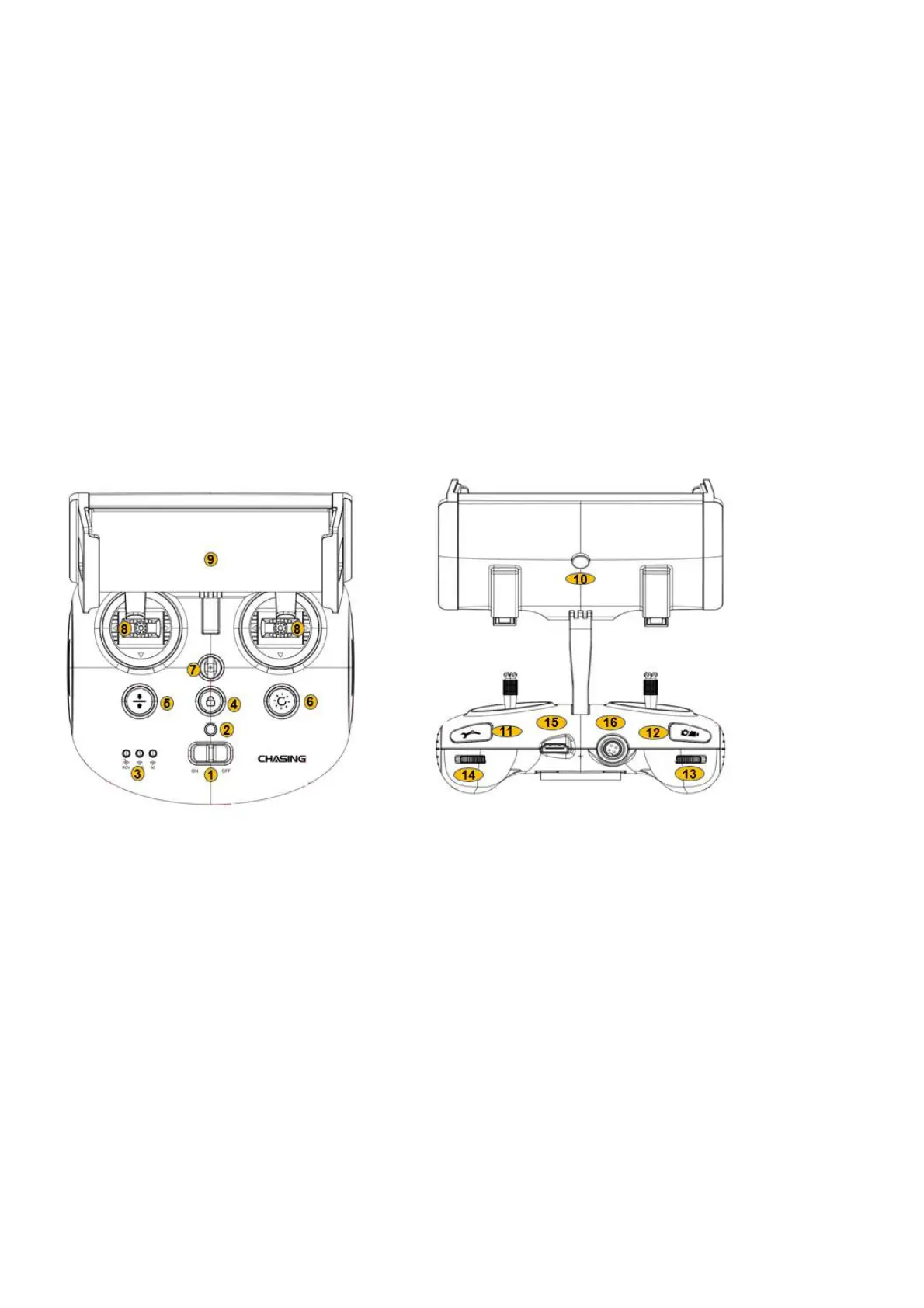
1. Power switch: Turns controller on/off
2.Power Indicator: Green (High power), Blue (Medium power), Red (Low power)
3.Signal Indicator:
a 2.4G:2.4Ghz Wi-Fi indicator,always on when working
b 5G:5Ghz Wi-Fi indicator,always on when working.
c ROV(drone):Indicates the communication status between the controller and the drone (Steady light indicates successful
connection; Blinking light indicates disconnection.)
4. Unlock:Unlock/Lock,current state of the Thruster will show on the APP
5. Gesture back:ROV can be returned to a horizontal state
6. Led Control:On / off led light (third gear)
7. Safety Buckle:Can be used with a safety rope to prevent the remote control from falling


 To Next Page