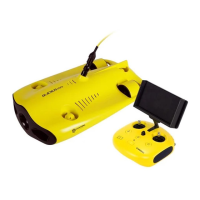
8. Control Sticks:Used to control the navigation of the ROV.
9. Phone/Tablet Clamp:Used to attach phone/tablet mount to mounting bracket.
10. Clamp Button:Pull apart the two ends and put in the phone/tablet, then press this button to tighten.
11. Robotic Arm Control:Short press to close and stop, long press for one second to open
12. Photo/Video:Short press to take photos, long press to start / end recording video
13. Left Angel Adjustment:Adjust the pitch angle
14. Right Angel Adjustment:Adjust the rollover angle
15. HDMI Socket:1080P HD image real-time output
16. Tether Connection Socket/Charging socket.
Note: Do not put the controller in the water to avoid damaging the device, damages caused by water ingress are not covered by the
warranty.
Handle indicators introduction
Battery:
Red:10%↓Red light flashes quickly;10-19% Red light flashes slowly;20-29% Red light always on.
Yellow:30-69% Yellow light always on;
Green:70-100% Green light always on;
Signal Indicator
a 2.4G:2.4Ghz Wi-Fi indicator,always on when working.
b 5G:5Ghz Wi-Fi indicator,always on when working.
c ROV:Indicates the communication status between the controller and the ROV (Steady light indicates successful connection,
Blinking light indicates disconnection.)
Gesture back Button:
The blue light is always on when the ROV is in a non-horizontal position
Unlock Button:
Locking: No lights
Unlocking: Blue light on
Led Control Button:
Bright light:Blue light always on;
Low light: Blue light flash;
No light: Blue light off.
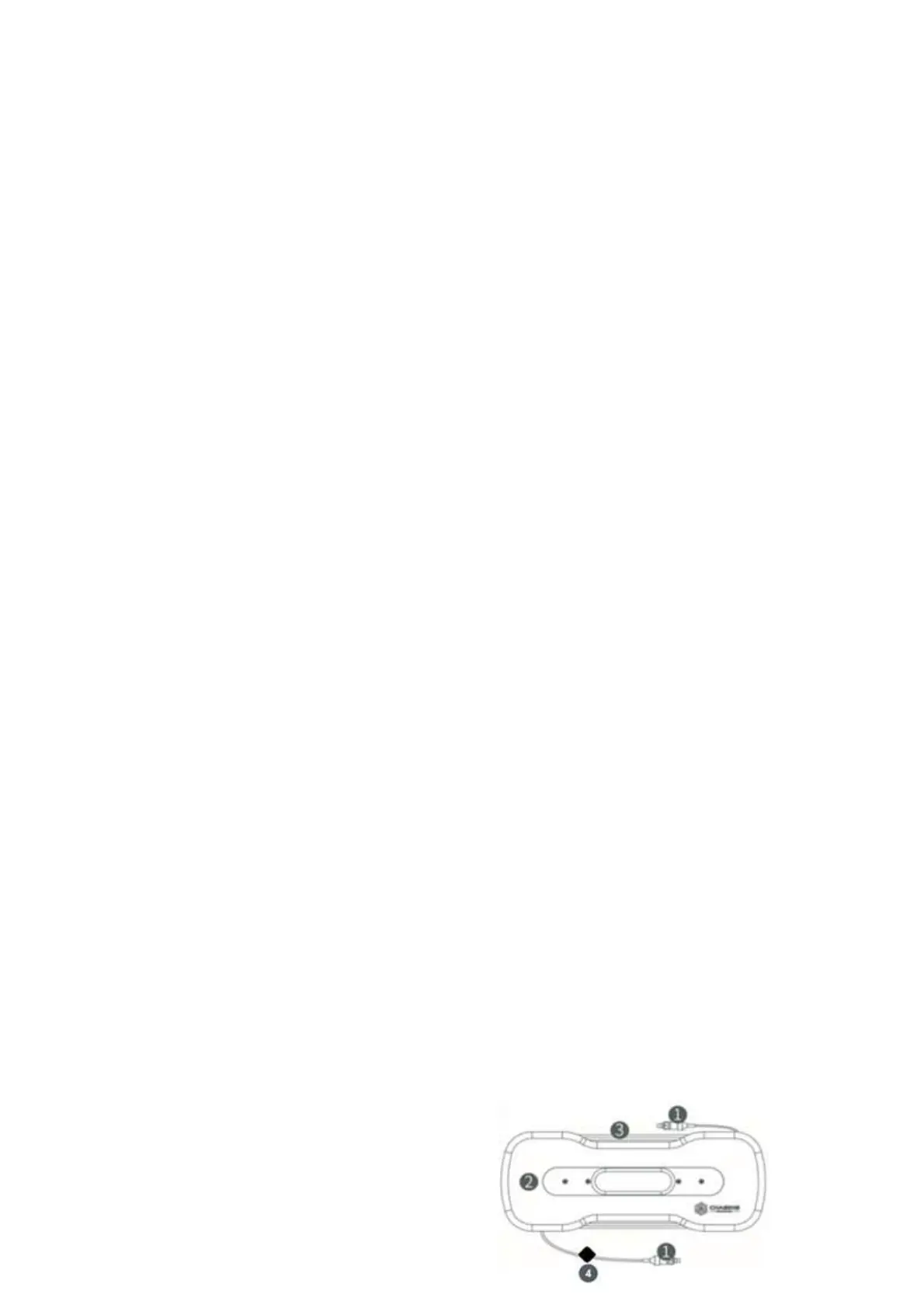
100/200 meters Tether & Winder
The tether is used to connect the drone and the remote controller
The winder is used to store the tether.
1. Tether connectors
2. Tether
3. Winder


 To Next Page