4. Fastener
Warning:
a. Do not put exposed (unconnected) tether into the water or plashing liquid to the tether.
b. Check whether the O-ring on the tether connector pre-dive, make a replacement when it is missed or damaged.
Installation & Connection
1. Download CHASING GO1 App
CHASING GO1 App :Scan the following QR code or visit the IOS APP Store/Google Play/Chasing website for downloading. (For
IOS 9.0 or later/Android version 4.4 or later)
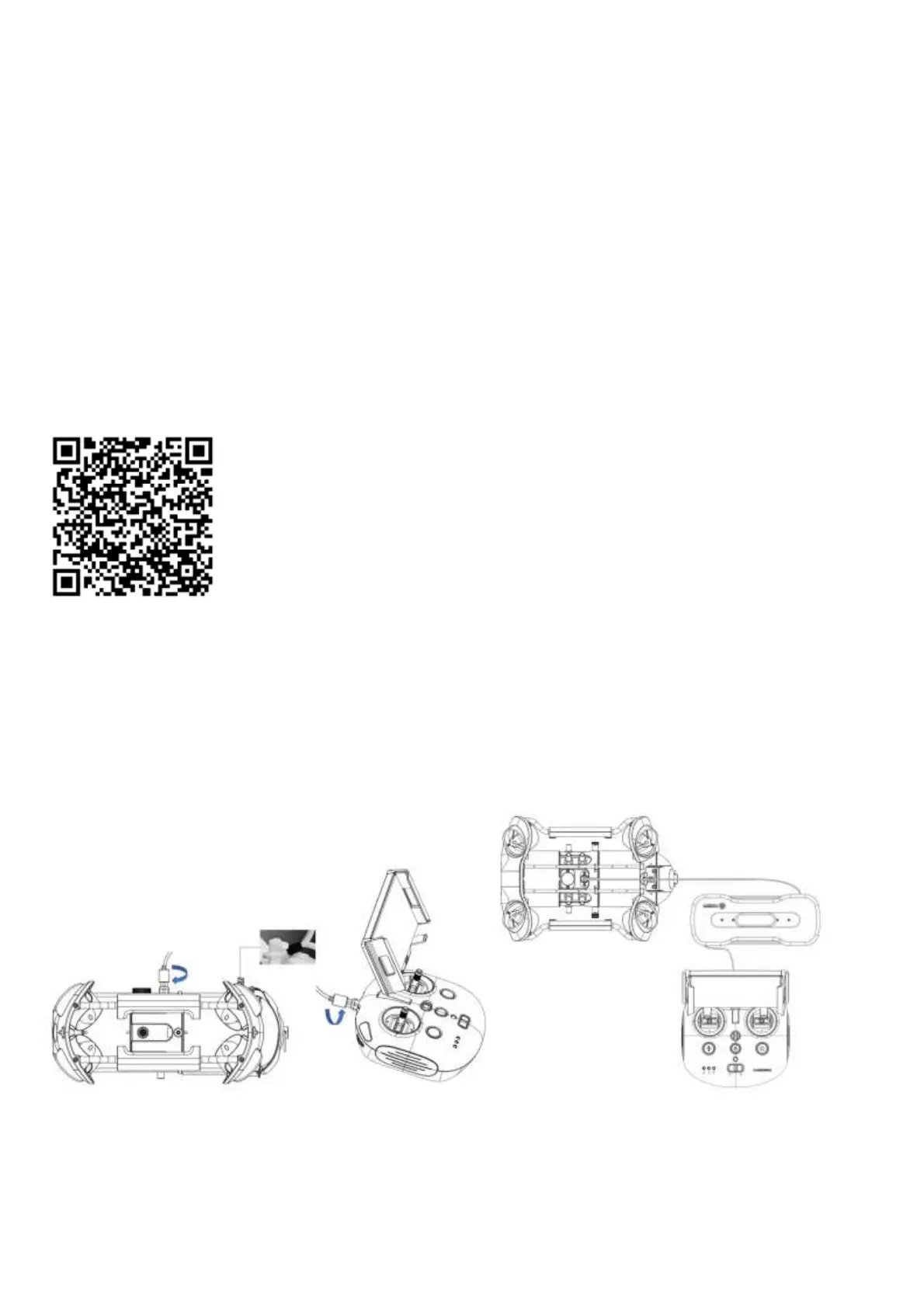
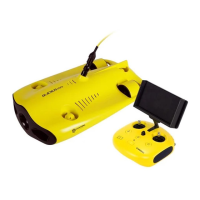
2. Connect ROV with Remote Controller
a. Insert one end of the tether connector into the remote controller connector socket.
b. Reserve a suitable length and hang the Buckle on the Buckle Bracket, and make it tension.
c. Insert the other end of the tether connector to the ROV.
d. Securely hand-tighten both connectors.
Warning: Check whether the O-ring on the tether connector pre-dive. If it is missed or damaged, please replace it in time.
3. Start (turn on) the ROV
a Turn on the remote controller power button.


 To Next Page