When traveling within the USA, you can change
the time zones, as you enter each zone.
When traveling to countries not covered by the
four radio signals, set the clock manually, as
per instructions in Section 6. To avoid the
chance of receiving an erroneous signal when
clock is set manually, set the left button on a
country as far away as possible from the area
that you are traveling in. For example: If you
are in Asia, Africa, Australia ( other than Japan
and Korea), put the country selection to UK. If
you are in Europe (not served by German or UK
signal ), select Japan. If you are in North or
South America ( not served by USA signal ),
select Japan.
P.12
9. Traveling to An Area Without a
Transmitting Signal
If you are traveling to the India Subcontinent
where the local time is half an hour from the
main time zones of the world, you may reset
the clock by removing the batteries and then
manually setting the clock to the local time as
explained above. Hide the US time zone
indicator on the LCD display by pushing
Bottom Switch to ZONE/DST position and
then push ZONE CLR ( Upper Right Button ).
(In order to allow adjustment of setting, the OFF
-SET time must be at 00.)
Traveling to India
INCREASE
OFF SET
DECRESE
OFF SET
RESET
12-24H/MONTH
OFF-SET
*
ZONE
HR/DAY
OFF-SET
*
DST
MIN/YR
OFF-SET CLR
ZONE CLR
DST
HOME
ON
AL. SET
ZONE/DST CALENDAR
LOCK
TIME SET
OFF
OFF-SET
JAPAN
USA
UK
EU
SYNC
MODE SWITCH AT OFFSET
PUT MODE SWITCH TO LOCK AFTER OFF SET
RESET
ZERO
ALARM SET
OFF
(Fig.8 To offset time)
P.13
10. Advanced Features
Home and Away Dual Time Feature
You may set another time other than your Home
Time, when you are traveling . This allows for
dual time function. This second time can be set
23 hours back or 23 hours ahead from your
Home Time ( or the time displayed on your
clock). You will need to know how many hours
ahead or behind you want the second time to
show in order to set the clock correctly.
Example: If your home is New York and you
travel to Hawaii, ( where the Atomic Clock
signal does not reach and where it is 5 hours
earlier), you will need to set your Away Time 5
hours behind.
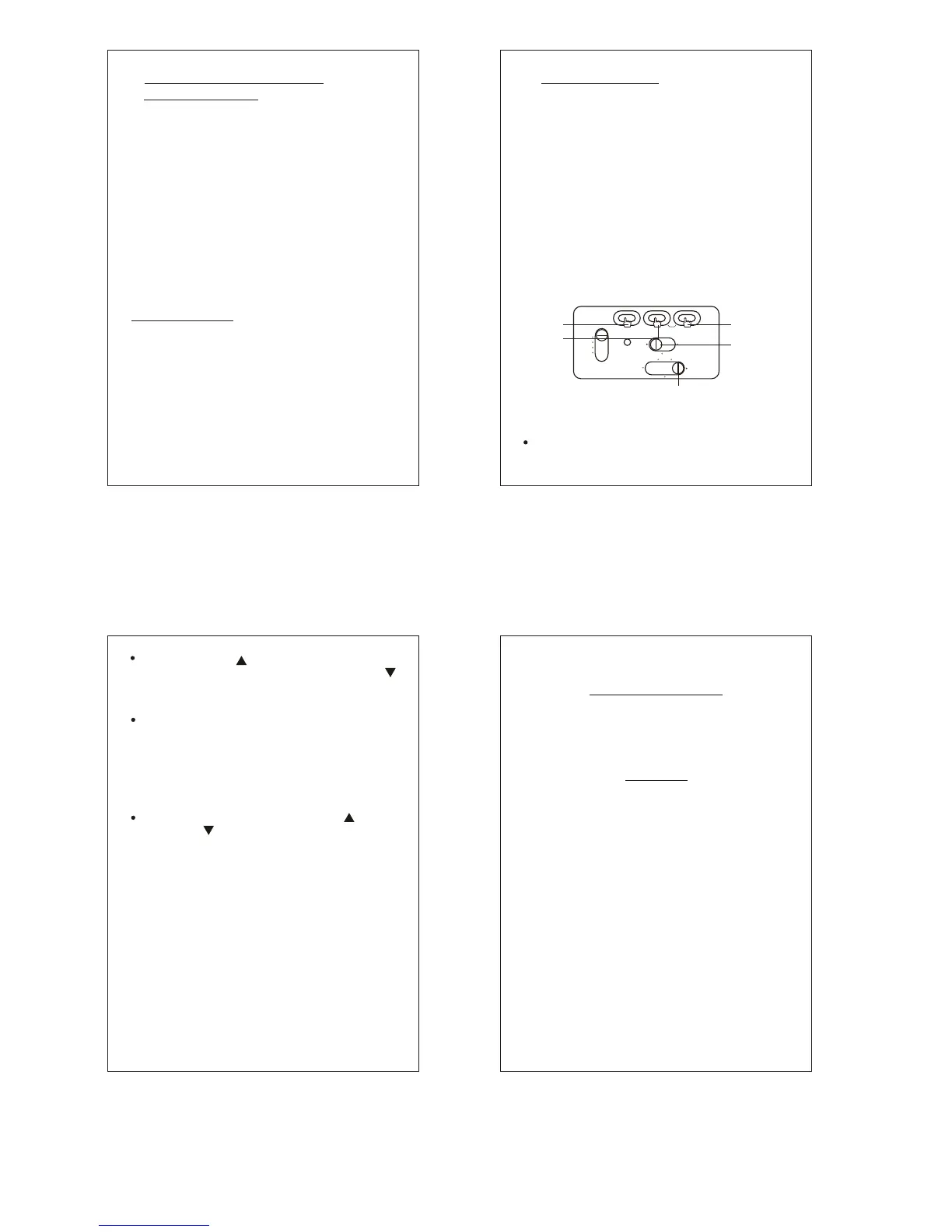
Slide Bottom Switch to the right, so that it is
in the OFF-SET position.
P.14
On the bottom right of the clock dial, the
display will show 00 (if not, press the upper
right button to clear the display and bring it
to zero). This feature is also used to clear
the time entered as OFF-SET time, so that
the clock goes back to displaying the original
(or Home Time) you started with.
“ ”
As you press either the OFF-SET( ) up or
OFF-SET( ) down button, you will see the
time displayed on your dial ascend or
descend. The lower right of your display will
indicate how many hours up or down you
have set the clock.
Once OFF- SET time has been set, the time
displayed will show the time you have entered
as your Away Time ( local time ), which is your
OFF-SET time. In order to see the original time
(or Home Time), press the upper right HOME
button.
The bottom switch should be put back into the
LOCK position after the OFF- SET time has
been set.
“ ”
Press OFF-SET (upper left button), to set
clock forward, up to 23 hours, or OFF- SET
(upper middle button), to set time backwards,
up to 23 hours.
This warranty covers any defects in materials or
workmanship, for one year from time of purchase,
with the exceptions stated as follows:
We will repair any defects in materials or
workmanship. In the event a repair is not possible,
the product will be replaced by a new unit.
How to obtain service; return this product and
your receipt (as proof of purchase), along with
a brief explanation of the problem, to:
Hinpo-Chass, Inc.
1 - H Frassetto Way
Lincoln Park, NJ 07035
USA
Call (973) 709-0555
Between 9:30 and 4:30 Eastern Time
or
Damages caused by misuse or use other than as
intended and described in the product instruction
manual and loss or damage to removable parts.
For trouble shooting or questions, please contact:
techsupport@chass.com
WARRANTY


 To Previous Page
 Loading...