107
TROUBLESHOOTING
Intelect® Advanced Therapy System
ERROR CODES
The Intelect Advanced Therapy Systems incorporate error messages, and warnings to inform the user of problems or potential problems
with the system, modality, or accessories. These are numbered so the user can possibly correct the problem without the aid of service
personnel. Use the following Troubleshooting Charts to define the error codes, and locate the probable cause and possible remedies
before contacting the dealer or factory for technical service.
General Information
Code
Number
Type
Message
Probable Cause Possible Remedies
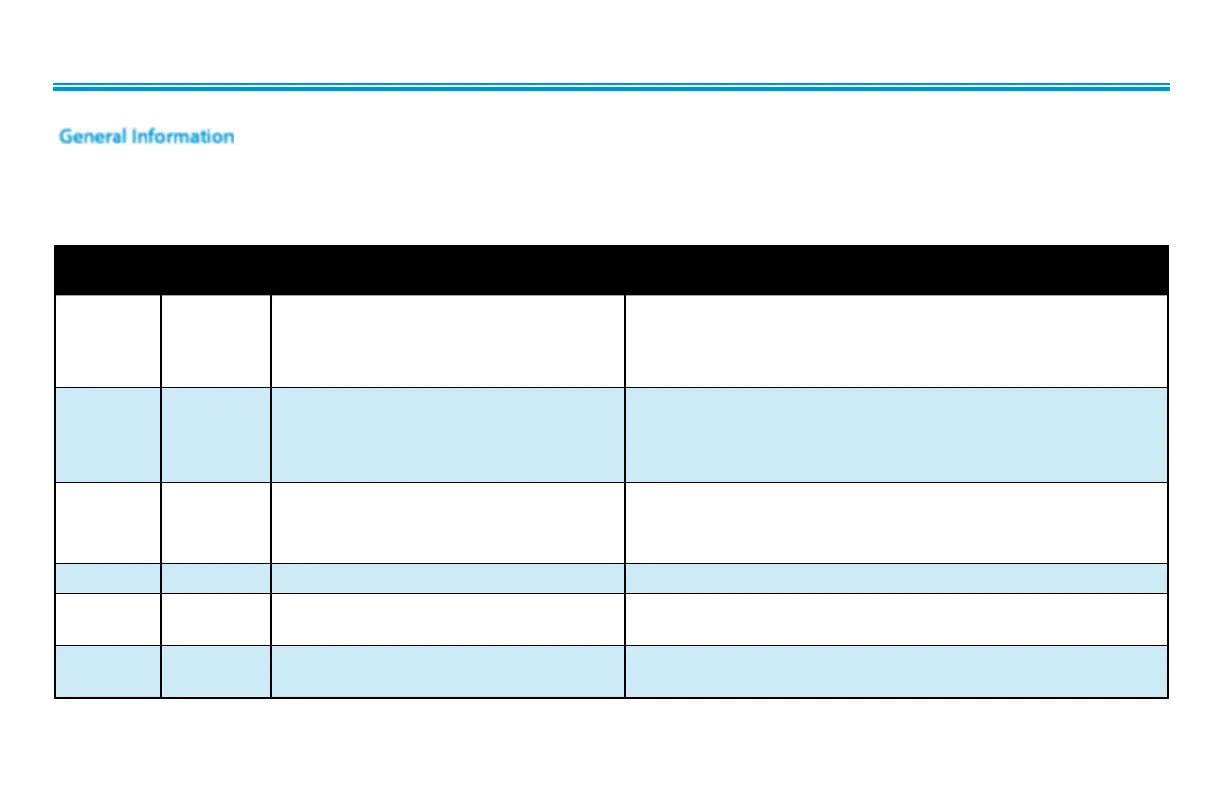
100 Warning Overcurrent A. Check Electrodes and Lead Wires. Make certain Lead Wires are not damaged and are properly
connected to the system. Make certain Lead Wires are properly connected to the Electrodes and
that electrodes are not damaged and are making proper contact with treatment area.
B. Replace Lead Wires and Electrodes.
101 Warning Shorted Lead Wires A. Check Electrodes and Lead Wires. Make certain Lead Wires are not damaged and are properly
connected to the system. Make certain Lead Wires are properly connected to the Electrodes and that
electrodes are not damaged and are making proper contact with treatment area.
B. Replace Lead Wires and Electrodes.
102 Warning Bad Contact Quality A. Make certain Electrodes are making proper contact with the treatment area.
B. Make certain Lead Wires are properly connected to Electrodes.
C. Replace Electrodes and Lead Wires.
103 Warning Blank Patient ID Properly enter Patient ID. Refer to Therapy System User Manual for Patient Data Card instructions.
104 Warning 1. Blank Protocol Name
2. Blank Sequence Name
Properly enter Protocol or Sequence Name. Refer to the appropriate section of the Therapy System
User Manual.
106
107
Warning
Warning
1. Attempting to delete factory set Sequence.
2. Attempting to delete Clinical Protocol.
Cannot delete factory set Clinical Protocols or factory set Sequences.


 To Next Page
 Loading...







