16
12. SIMPLE MANUAL
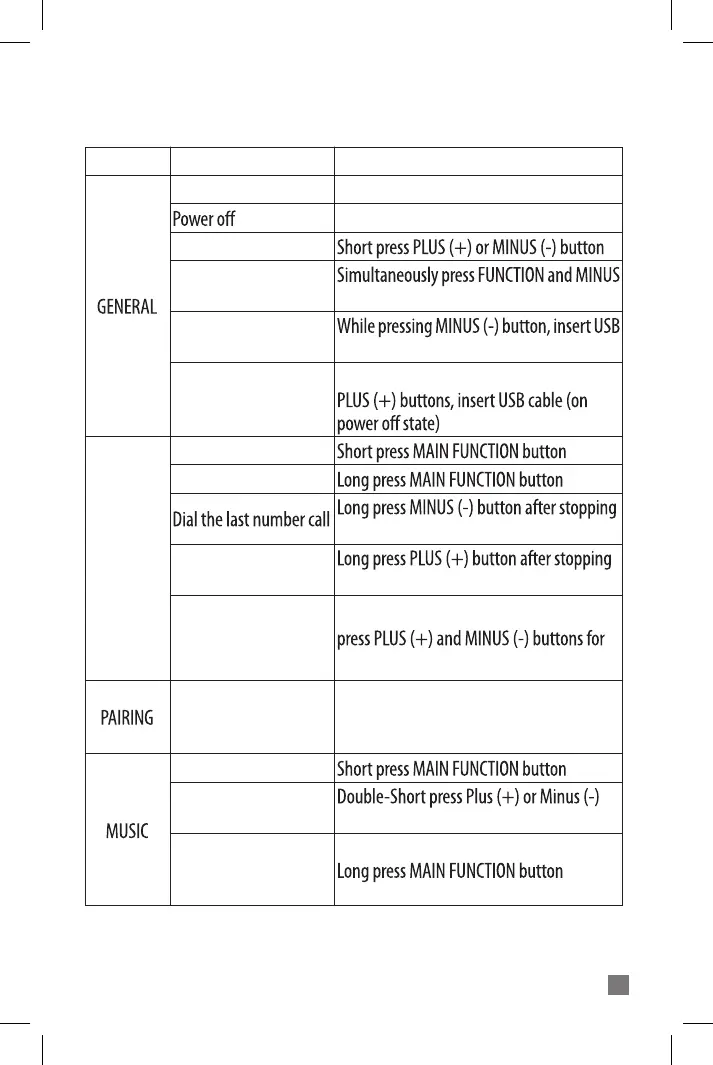
MODE FUNCTION OPERATION
Power on Long press POWER button for 3 seconds
Long press POWER button for 6 seconds
(-) button for 8 seconds
cable
While simultaneously pressing POWER and
Volume control
Factory reset
Reboot
Software download
Answer call
Hang up / Reject call
Voice Command (Smart-
phone’s Siri function)
While being on the
phone, switching device
between BiT-2 and
mobile-phone
Smartphone pairing
Stop / Play
Next song / Previous
song
Switching music play
between two paired
mobile-phones
Music
While being on the phone, simultaneously
1.5 seconds
After pressing POWER button for 8 seconds,
search for BiT-2 in the Bluetooth function of
the Smartphone
button
Music
PHONE



 To Next Page