EasyManua.ls Logo

Chauvet CH-158 - User Manual

Chauvet CH-158
11 pages
Print Icon
To Next Page IconTo Next Page
Loading...
CHAUVET, 3000 N 29
th
Ct, Hollywood, FL 33020 U.S.A
(800) 762-1084 – (954) 929-1115
FAX (954) 929-5560
www.chauvetlighting.com
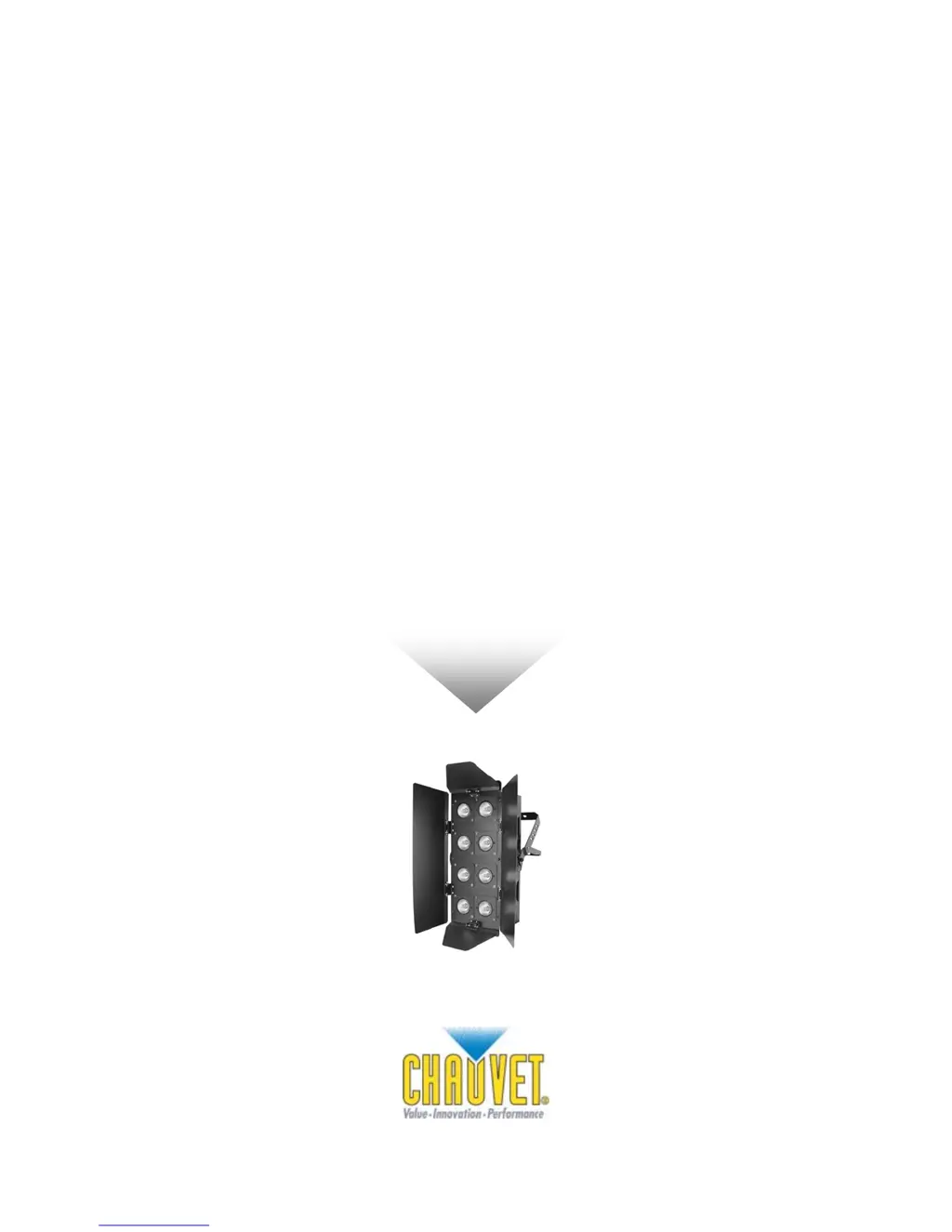
CH-158
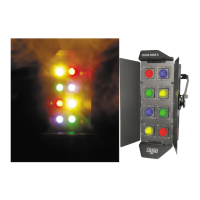
Color Bank™ 8
USER MANUAL

Questions and Answers

  • K
    Kristin BradyAug 19, 2025
    What to do if Chauvet Lighting Equipment has no power?
    • J
      Jacob FosterAug 19, 2025
      If your Chauvet Lighting Equipment has no power, first, check for power on the Mains. Second, check the device’s fuse, both internal and external.
  • B
    Brandon CamachoAug 21, 2025
    Why is the beam very dim or not bright on my Chauvet Lighting Equipment?
    • J
      Joseph GonzalesAug 21, 2025
      If the beam of your Chauvet Lighting Equipment is very dim or not bright, you can clean the optical system or replace the lamp. Also, check the 220/110v switch for the proper setting.
  • S
    sara00Aug 23, 2025
    Why do the lamps cut off sporadically on my Chauvet Lighting Equipment?
    • J
      Joshua WangAug 25, 2025
      If your Chauvet Lighting Equipment's lamps cut off sporadically, it could be due to a bad lamp or the fixture overheating. Another possibility is that the lamp may be at the end of its life.
  • K
    Kevin ButlerAug 26, 2025
    What to do if Breaker/Fuse keeps blowing in Chauvet Lighting Equipment?
    • K
      Kevin AnthonyAug 26, 2025
      If your Chauvet Lighting Equipment is blowing breakers or fuses, check the total load placed on the device.
  • A
    Amber RuizAug 28, 2025
    What to do if Chauvet Lighting Equipment has no flash?
    • S
      Scott FoxAug 28, 2025
      If your Chauvet Lighting Equipment has no flash, try re-installing the bulb, as it may have shifted during shipping.
  • E
    Emily ClarkAug 30, 2025
    Why is there no light output from my Chauvet Lighting Equipment?
    • B
      Brian AlexanderAug 30, 2025
      If there is no light output from your Chauvet Lighting Equipment, check the slip ring and brushes for contact. Also, make sure to install a bulb.
  • S
    Shannon KhanSep 1, 2025
    Why are the motor movements jerky or jumpy on my Chauvet Lighting Equipment?
    • M
      Monica PotterSep 2, 2025
      If the motor movements of your Chauvet Lighting Equipment are jerky or jumpy, it could be due to a bad motor driver or sensors. Check the polarity switch on the controller.
  • R
    ryansummersSep 3, 2025
    Why does my Chauvet Lighting Equipment move slow?
    • P
      Patricia ElliottSep 4, 2025
      If your Chauvet Lighting Equipment moves slow, check the 220/110v switch for the proper setting.
  • S
    Seth KingSep 6, 2025
    What to do if the remote does not work for Chauvet Lighting Equipment?
    • R
      rachel83Sep 6, 2025
      If the remote for your Chauvet Lighting Equipment does not work, make sure the connector is firmly connected to the device.
  • D
    davisbillySep 8, 2025
    What to do if the relay will not work on Chauvet Lighting Equipment?
    • H
      Heather PerrySep 8, 2025
      If the relay will not work on your Chauvet Lighting Equipment, check the reset switch and cable connections.

Summary

Before You Begin

AC Power Connection

Details on connecting the fixture to the power source, checking voltage, and grounding.

Safety Instructions

Crucial safety guidelines for operation, installation, maintenance, and environmental considerations.

Setup Guide

Lamp Installation

Instructions on how to properly install and replace the fixture lamps.

Power Setting

Instructions for selecting the correct AC power voltage for operation.

Operating Instructions

Appendix

General Troubleshooting

Common issues and their corresponding solutions for the fixture.

Technical Specifications

Detailed technical data, dimensions, power requirements, lamps, fuses, and ordering information.

Chauvet CH-158 Specifications

Power IconPower
power setting115V 60 Hz or 230V 50 Hz
AC input3-prong IEC 60320 C14
lamp power50W 110-130V, 50W 220-240V
Operating Environment IconOperating Environment
maximum ambient temperature65° (149° F)
main fuse (115V)5A 125V Fast Blow
main fuse (230V)3.15A 250V Fast Blow
Weight and Dimensions IconWeight and Dimensions
length130 mm
width185 mm
height490 mm
weight6.0 kgs

Related product manuals