EasyManua.ls Logo

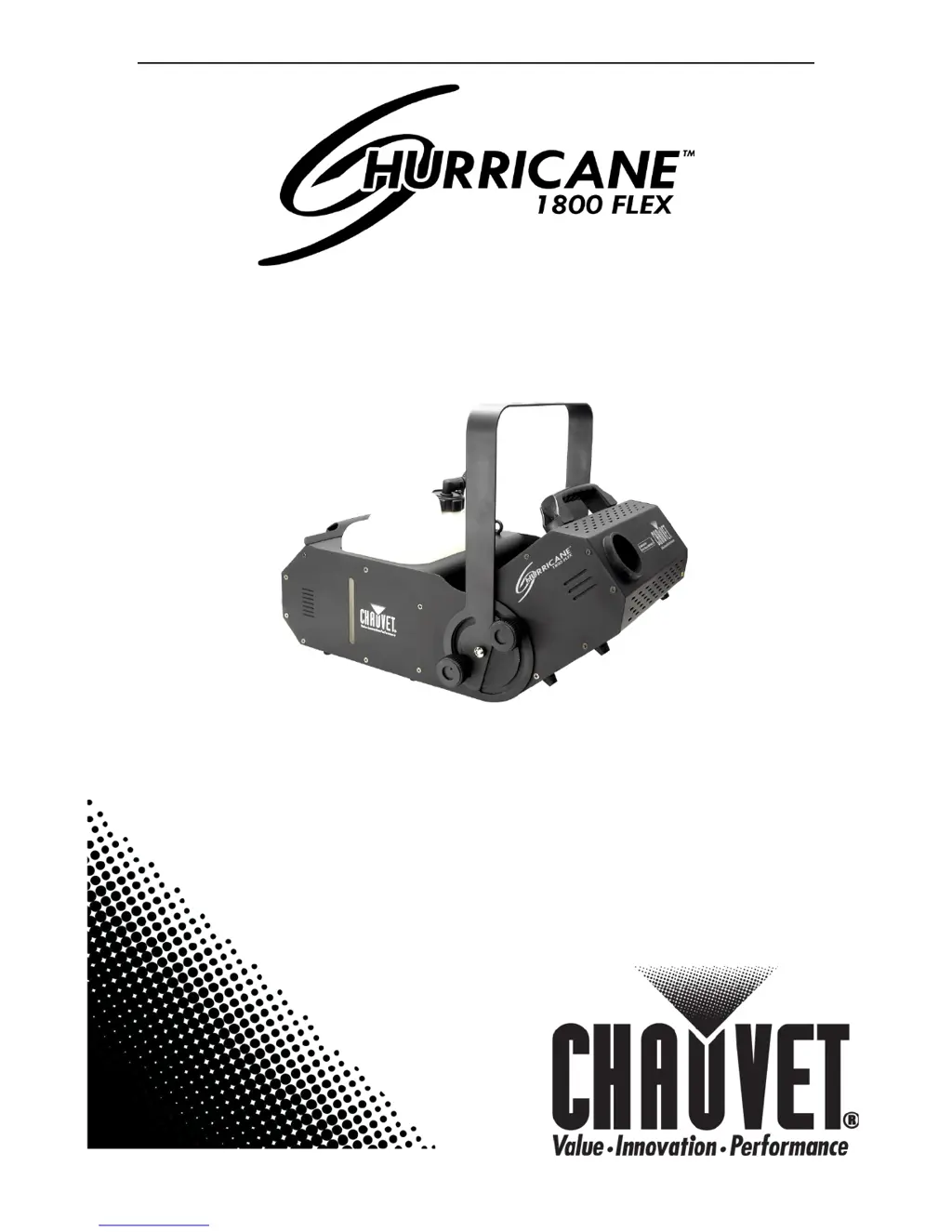
Chauvet Hurricane - User Manual

Chauvet Hurricane
18 pages
Print Icon
To Next Page IconTo Next Page
Loading...
User Manual

Questions and Answers

  • M
    michaeladamsJul 26, 2025
    How to fix loss of signal on Chauvet Hurricane Lighting Equipment?
    • D
      Diane RobinsonJul 26, 2025
      To fix a loss of signal on Chauvet Lighting Equipment: * Use only DMX cables. * Install a terminator. Keep DMX cables separated from power cables or black lights.
  • C
    christian73Aug 3, 2025
    Why does my Chauvet Lighting Equipment circuit breaker keep blowing?
    • M
      Michael WilliamsAug 3, 2025
      If your Chauvet Lighting Equipment's circuit breaker or fuse keeps blowing, it could be due to an excessive load on the circuit. Ensure that the total load does not exceed 80% of the breaker or fuse's nominal current. Alternatively, a short circuit along the power lines could be the cause. In this case, you should check the power lines and power cords for any damage or issues.
  • S
    Sherri SmithAug 10, 2025
    What to do if Chauvet Hurricane Lighting Equipment does not power up?
    • R
      Rebecca WhiteAug 11, 2025
      If your Chauvet Lighting Equipment does not power up, there are several potential causes: * There may be no energy at the power outlet. Check the power outlet or try a different one. * The power cord may be loose or damaged. Inspect the power cord for any issues. * The fuse may be blown. Replace the blown fuse with a new one of the same type and rating. * There may be an internal problem, in which case you should send the product for repair.
  • A
    Aaron TranNov 16, 2025
    How to troubleshoot Chauvet Hurricane that does not output fog?
    • T
      Taylor JohnsonNov 16, 2025
      If your Chauvet Lighting Equipment does not output fog, consider the following possibilities: 1. The unit may be out of fog fluid. Turn off the product and replenish the fog fluid, using only Chauvet fog fluid. 2. The heater or pump may be clogged. Use Chauvet cleaner to free the path. 3. If using a wired remote, ensure it is properly connected and not defective. Try the remote on another compatible unit. 4. The wired remote may not be operated correctly. Review the instructions for both wired remote units. 5. If using a wireless remote, make sure the receiver is connected, the transmitter battery is not depleted (replace if needed), and the remote pair is properly configured according to the manual. 6. There may be an internal problem, in which case you should send the product for ...

Summary

Before You Begin

Safety Notes

Crucial safety information regarding installation, usage, and maintenance.

Setup

Product Linking Overview

Introduction to linking products for shows, DMX, and master/slave modes.

DMX Data Link Setup and Master;Slave

Guides for setting up DMX links, conversion, and master/slave operation.

Operation

Setting DMX Starting Address

Guide to setting the DMX start address for controller compatibility.

Technical Information

General Maintenance and Storage

Recommended procedures for cleaning, maintaining, and storing the fog machine.

Troubleshooting and Contact

Common problems, solutions, and CHAUVET® support contact details.

Appendix

Chauvet Hurricane Specifications

Power IconPower
ac power voltage115 VAC, 60 Hz or 230 VAC, 50Hz
breaker size 120 V version15 A, 125 V
power consumption 120 V1, 364 W (11.9 A) max
inrush current 120 V11.7 A
power factor 120 V0.99
breaker size 230 V version8 A, 250 V
power consumption 230 V1, 300 W (5.7 A) max
inrush current 230 V6 A
power factor 230 V0.99
output25, 000 cfm
fluid consumption150 ml/min
Operating Environment IconOperating Environment
maximum ambient temperature104° F
Weight and Dimensions IconWeight and Dimensions
length22.2 in
width13.4 in
height15.0 in
weight27.6 lbs

Related product manuals