EasyManua.ls Logo

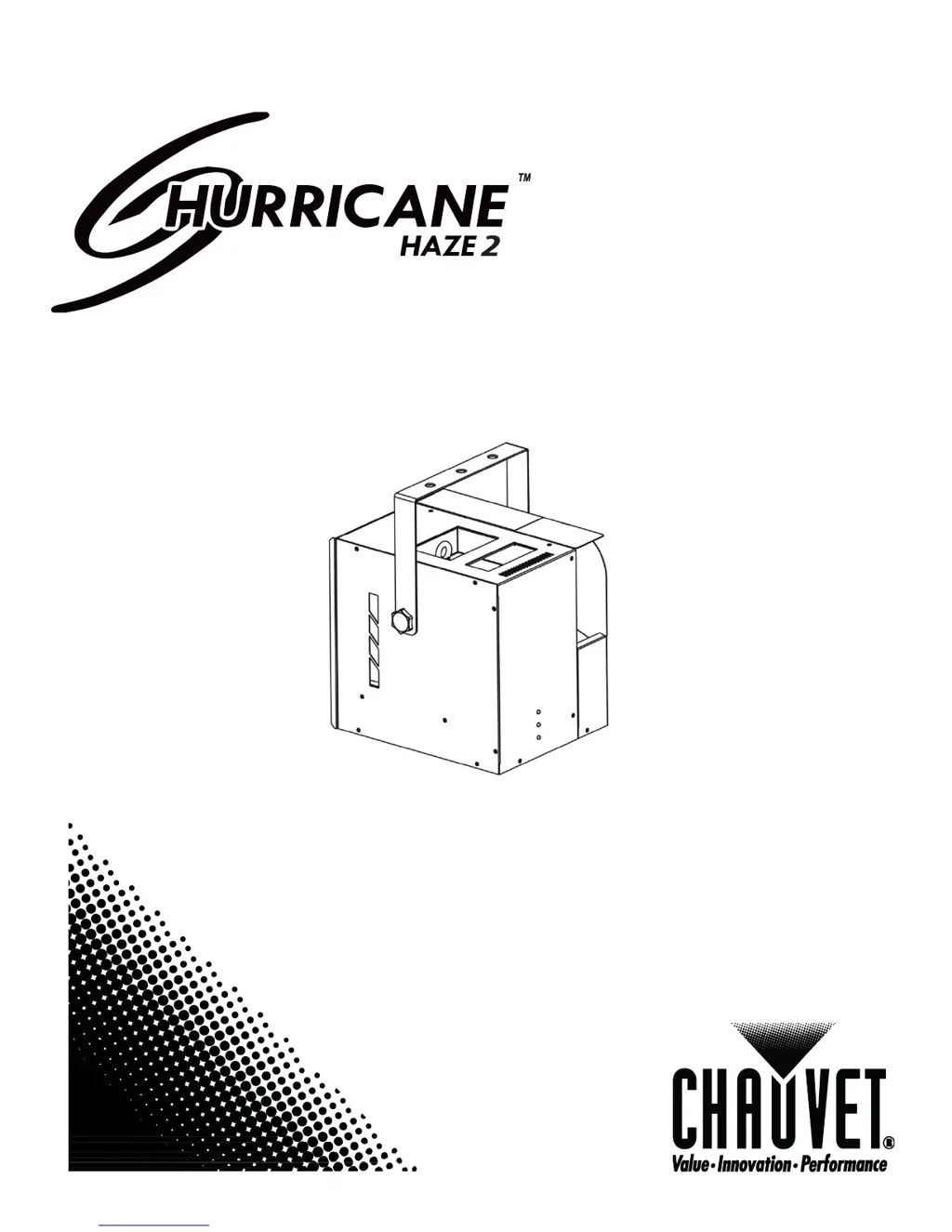
Chauvet Hurricane Haze 2 - User Manual

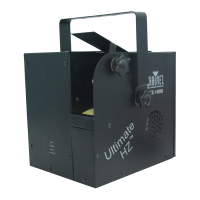
Chauvet Hurricane Haze 2
16 pages
Print Icon
To Next Page IconTo Next Page
Loading...
User Manual

Questions and Answers

  • D
    Dr. Susan PenningtonJul 27, 2025
    What to do if my Chauvet Hurricane Haze 2 has a loss of signal?
    • J
      Jared RileyJul 27, 2025
      If your Chauvet Fog Machine is experiencing a loss of signal, ensure you are using only DMX cables. Additionally, install a terminator. It's also important to keep DMX cables separated from power cables or black lights.
  • B
    Becky HarrisAug 1, 2025
    Why is my Chauvet Hurricane Haze 2 on but there is no movement to the audio?
    • D
      Dawn CooperAug 2, 2025
      If your Chauvet Fog Machine is on but there's no audio movement, verify that you have selected the correct audio mode on the control switches. If the audio is provided via a ¼” jack, ensure a live audio signal exists. You may also need to adjust the sound sensitivity knob.
  • A
    April GonzalezAug 7, 2025
    How to fix Chauvet Fog Machine with no power?
    • D
      Daniel SpencerAug 7, 2025
      If your Chauvet Fog Machine has no power, start by checking for power on the Mains. Also, inspect the device’s fuse, both internal and external, to ensure it is in good condition.
  • A
    Adam CookAug 13, 2025
    What to do if Chauvet Fog Machine fixture is not responding?
    • S
      Scott HowellAug 13, 2025
      If the fixture on your Chauvet Fog Machine is not responding, check the DMX Dip switch settings to ensure they are correctly addressed. Also, inspect the DMX cables and verify the polarity switch settings.
  • J
    joseburnsAug 19, 2025
    How to resolve auto shut off on Chauvet Hurricane Haze 2?
    • D
      dgutierrezAug 19, 2025
      To resolve auto shut off on your Chauvet Fog Machine, check the thermal switch reset.

Summary

BEFORE YOU BEGIN

What is Included

Lists the items included with the Hurricane Haze 2 fixture.

Unpacking Instructions

Instructions for carefully unpacking the fixture and checking contents.

AC Power and Safety

Details on power requirements, voltage matching, grounding, and general safety precautions.

INTRODUCTION

Features Overview

Lists the main features of the Hurricane Haze 2, including DMX control and remote operation.

DMX Channel Summary

Outlines the DMX channels and their functions (Haze output, Blower speed).

INTRODUCTION

Product Overview

Diagram illustrating the various ports, switches, and indicators on the fixture's rear panel.

SETUP

Fuse Replacement

Step-by-step guide on how to replace a blown fuse safely using a screwdriver.

Fixture Linking and Data Cabling

Explains connecting multiple fixtures and the requirements for DMX data cables.

DMX Data Cable Specifications

Details the technical specifications and characteristics of a suitable DMX data cable.

SETUP

Cable Connectors

Describes the DMX connector configuration and important CAUTION regarding grounding.

3-Pin to 5-Pin DMX Conversion

Provides a chart for converting 3-pin DMX connectors to 5-pin connectors.

Setting Up a DMX Serial Data Link

Step-by-step instructions on connecting fixtures for DMX control.

OPERATING INSTRUCTIONS

DMX Mode Operation

Explains how the fixture operates in DMX mode and how to set the address using DIP switches.

DMX Channel Values

Details the functions controlled by DMX channels 1 and 2: Haze output and Blower/fan speed.

Mounting and Rigging

Guidelines for mounting, orientation, and safe rigging of the fixture, including vent clearance.

OPERATING INSTRUCTIONS

Wired Remote (HH1) Operation

Instructions for using the included wired remote for timer, manual, and continuous haze output functions.

APPENDIX

DMX Primer

Explains DMX-512 basics, channels, and addressing for beginners to understand control.

Contact Us

Provides contact details for CHAUVET general information and technical support inquiries.

APPENDIX

Setting the DMX Starting Address

Detailed guide on setting the DMX start address using DIP switches with examples and step-by-step calculations.

APPENDIX

DMX Quick Reference Chart

A chart for quickly finding DMX addresses based on DIP switch settings for efficient setup.

General Troubleshooting

Troubleshooting Common Issues

Lists common symptoms like no power or fixture not responding, and their corresponding solutions.

Technical Support

Support Contact Information

Provides contact information, address, and methods for obtaining technical assistance from CHAUVET.

Maintenance and Cleaning

Cleaning Procedures

Recommended procedures for cleaning the haze machine to prevent clogging and ensure longevity, using a specific solution.

Storage Guidelines

Storage Recommendations

Guidelines for storing the machine, including draining and cleaning before storage to maintain optimal condition.

Returns Procedure

Return Merchandise Process

Steps and requirements for returning merchandise, including RMA number and proper packaging.

Claims Process

Handling Claims

Instructions for reporting and handling claims for shipping damage or other issues within a specified timeframe.

Technical Specifications

Product Specifications

Detailed specifications including dimensions, power consumption, fuse ratings, compatible fluid, and warranty information.

Chauvet Hurricane Haze 2 Specifications

Power IconPower
voltage-specific power input115 VAC, 60 Hz or 230 VAC, 50 Hz
power consumption at 120 V504 W, 4.1 A max
inrush current at 120 V4.1 A
power factor at 120 V0.98
Output and Fluid Consumption IconOutput and Fluid Consumption
output1, 200 cfm
fluid consumption21 ml/min
fuse 115 VACF 5 A, 250 V (fast blow)
fuse 230 VACF 3 A, 250 V (fast blow)
Weight and Dimensions IconWeight and Dimensions
length11.1 in (284 mm)
width10.5 in (267 mm)
height14 in (360 mm)
weight18.7 lbs (8.5 kg)

Related product manuals