EasyManua.ls Logo

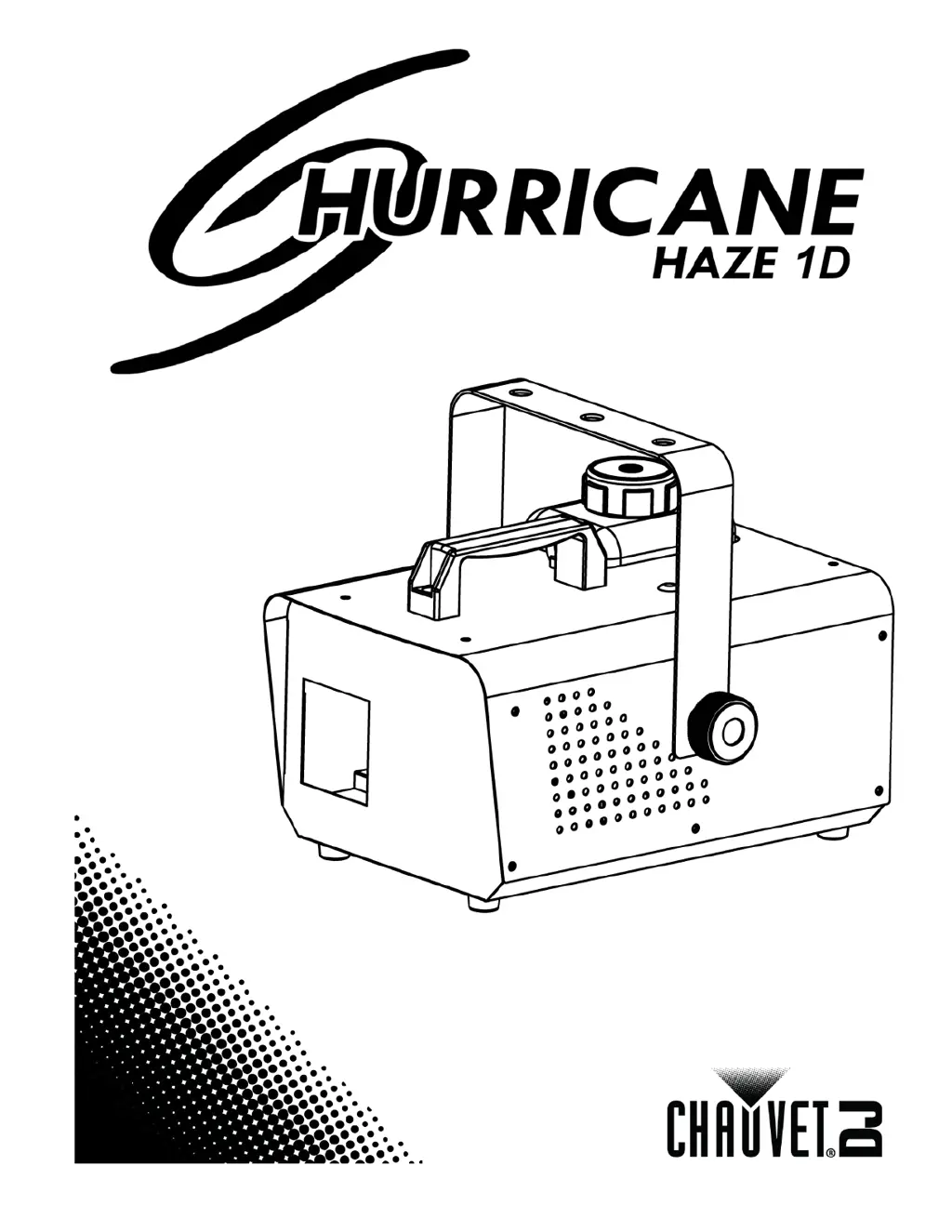
Chauvet Hurricane Haze 1D - User Manual

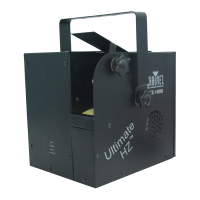
Chauvet Hurricane Haze 1D
16 pages
Print Icon
To Next Page IconTo Next Page
Loading...
User Manual

Questions and Answers

  • J
    Jamie FernandezJul 27, 2025
    How to fix Chauvet Fog Machine with no or short output?
    • K
      Kimberly GallegosJul 27, 2025
      If your Chauvet Fog Machine has no output or short output, several factors could be the cause. First, the heater may be warming up; allow up to 10 minutes for complete warm-up. An air bubble in the fluid line could also be the issue; let the product warm up fully or try turning the machine 45° to help the fluid flow. Another solution is to turn the fog machine off for 5 seconds and then back on, repeating as needed, but contact Customer Service after 10 attempts. Finally, incorrect fluid can cause this problem, so clean the machine thoroughly with CHAUVET FCQ and refill with CHAUVET water-based haze fluid.
  • T
    Timothy VazquezJul 31, 2025
    What to do if Chauvet Hurricane Haze 1D Fog Machine does not power up?
    • M
      Matthew FranklinAug 1, 2025
      If your Chauvet Fog Machine doesn't power up, there are several things you can check. First, verify that the power outlet is working by testing another device or changing to another outlet. Next, inspect the power cord for any looseness or damage. Also, check the fuse and replace it with one of the same type and rating if it's blown. If none of these steps work, the issue may be internal, requiring you to send the product for repair.
  • L
    Lance TorresAug 5, 2025
    Why does the Chauvet Hurricane Haze 1D circuit breaker keep blowing?
    • D
      Donald BryantAug 5, 2025
      If the circuit breaker or fuse keeps blowing on your Chauvet Fog Machine, it could be due to an excessive load on the circuit. Make sure that the total load does not exceed 80% of the breaker or fuse nominal current. Alternatively, there may be a short circuit along the power lines, so check the power lines and power cords for any damage.
  • C
    Christopher MaxwellAug 11, 2025
    What to do if Chauvet Hurricane Haze 1D does not respond to DMX?
    • R
      Ryan WardAug 11, 2025
      If your Chauvet Fog Machine isn't responding to DMX, there are several potential causes to investigate. First, check that the starting address on the product is correct and that you're using the right fader(s) on the controller. Also, confirm that the DMX personality setting on the product is correct and that the faders are assigned accordingly. A wrong polarity setting on the DMX controller could also be the issue, so try changing the signal polarity. Finally, inspect the DMX cable before the unit for any looseness or damage. If none of these steps work, the issue may be internal, requiring you to send the product for repair.
  • A
    awalkerAug 16, 2025
    Why is my Chauvet Hurricane Haze 1D Fog Machine spitting fluid?
    • M
      matthewallenAug 16, 2025
      If your Chauvet Fog Machine is spitting fluid, the issue could be due to incorrect fluid. Clean the machine thoroughly with CHAUVET FCQ and refill it with CHAUVET water-based haze fluid. If the problem persists, it could indicate blocked pipes or a failing part.
  • C
    Charlotte HowardAug 20, 2025
    How to troubleshoot intermittent DMX problems with Chauvet Hurricane Haze 1D Fog Machine?
    • G
      Garrett WestAug 20, 2025
      For intermittent DMX problems with your Chauvet Fog Machine, consider these possible solutions: Ensure that you're using true DMX cables, as standard signal cables may not be compatible. Keep DMX cables away from AC wires or radio equipment to avoid interference. If the DMX cable is too long, install an optically coupled DMX amplifier right before the product experiencing issues. If you have many products connected, install an optically coupled DMX amplifier after unit #32. Finally, ensure a terminator is properly connected.

Summary

Getting Started: Before You Begin

Included Items and Unpacking

Lists included items and provides unpacking instructions.

Filing Claims and Document Conventions

Covers claims process, text conventions, and icons.

Manual Document Information

Details copyright, liability, and publication information.

Product Overview and Key Features

Product at a Glance Overview

A quick summary of the product's features and capabilities.

Critical Safety Precautions

Comprehensive Safety Notes

Essential safety guidelines for operating the Hurricane Haze 1D.

Introduction to the Hurricane Haze 1 D

Product Overview Diagram

Labeled diagram showing all external parts of the haze machine.

Product Dimensions and Measurements

Detailed measurements in inches and millimeters for the unit.

Setting Up the Hurricane Haze 1 D

AC Power Connection and Safety

Details on power supply, grounding, and avoiding dimmer circuits.

Fuse Replacement Guide

Instructions for replacing a blown fuse with the correct type and rating.

Mounting and Rigging

Mounting Orientation and Access

Proper orientation for ventilation and ensuring accessibility for maintenance.

Secure Rigging Practices

Guidance on structural support, mounting clamps, safety cables, and tool usage.

Operating the Hurricane Haze 1 D

Control Panel Operation

Explanation of control panel buttons for navigating menus and functions.

Fluid Tank Indicator LEDs

Description of LED colors indicating fluid level and heater status.

DMX vs. Remote Control Priority

Details on the priority levels for DMX, remote, and digital display control.

Wired Timer Remote Operation

Connecting and Using the Remote

Steps to connect the wired remote and set interval/duration.

Remote Control Modes

Explanation of continuous and manual fog output modes.

DMX and Standalone Modes

DMX Configuration

How to connect and configure the unit for DMX control.

DMX Starting Address

Guide to selecting the correct DMX starting address for 1-channel mode.

Standalone Mode Operation

Instructions for operating the unit without a DMX controller.

DMX Channel Assignments

Details on DMX channel assignments and value ranges.

Technical Information and Maintenance

Hazer Maintenance Procedure

Recommended steps for cleaning the haze machine to prevent clogging.

Storage Guidelines

Instructions for preparing the unit for storage and monthly testing.

Troubleshooting Common Issues

No Output or Short Output

Solutions for problems with fog output, including fluid and heater issues.

Spitting Fluid Issues

Troubleshooting steps for spitting fluid, blocked pipes, or failing parts.

Power and DMX Connectivity Problems

Addresses issues like power loss, no DMX response, or intermittent DMX.

Product Returns and Support

Return Merchandise Authorization (RMA)

Procedure for returning products for repair or replacement.

Packaging and Information for Returns

Guidelines for packaging products and providing necessary information.

Contact Information for Support

Chauvet World Headquarters Contact

Contact details for Chauvet's USA headquarters and technical support.

Chauvet Europe and Mexico Contacts

Contact information for Chauvet's European and Mexican offices.

Technical Specifications

Dimensions, Weight, and Power

Specifications for product dimensions, weight, power supply, and consumption.

Operation and Fluid Specifications

Details on heat-up time, tank capacity, fluid consumption, and output.

Thermal, DMX, and Ordering Information

Specifications for thermal limits, DMX connectors, and product ordering codes.

Chauvet Hurricane Haze 1D Specifications

General IconGeneral
BrandChauvet
ModelHurricane Haze 1D
CategoryFog Machine
LanguageEnglish

Related product manuals