EasyManua.ls Logo

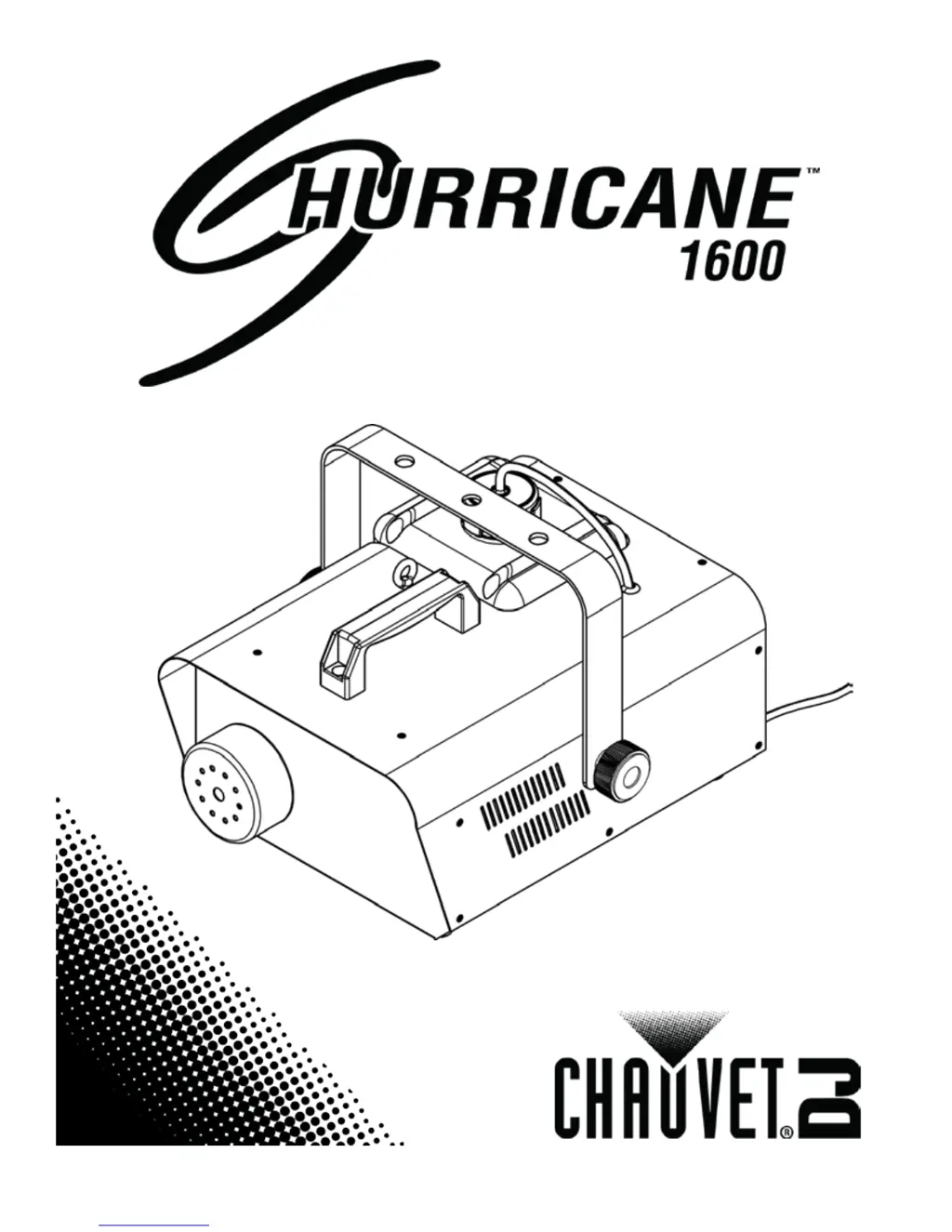
Chauvet Hurricane 1600 - User Manual

Chauvet Hurricane 1600
16 pages
Print Icon
To Next Page IconTo Next Page
Loading...
User Manual

Questions and Answers

  • M
    Michael DelgadoJul 26, 2025
    What to do if Chauvet Hurricane 1600 has no output?
    • W
      Wayne PhillipsJul 26, 2025
      If your Chauvet Lighting Equipment has no output, several factors could be the cause. First, allow the product to warm up completely; this should take less than 10 minutes. An air bubble in the fluid line could also be the issue; allowing the product to warm up completely may resolve this, or try turning the fog machine 45° to flatten the bubble and allow the fog fluid to flow properly. You can also try turning off the product for 5 seconds, and then turn it back on, repeating as necessary, but if more than 10 attempts are needed, consider that you may have incorrect fluid and you should clean thoroughly with CHAUVET® FCQ and refill with CHAUVET® water-based fog fluid. Blocked pipes or a failing part could also be the cause, requiring you to contact Customer Service.
  • T
    thorntonchristopherJul 30, 2025
    What to do if my Chauvet Hurricane 1600 is spitting fluid?
    • D
      dmartinezJul 30, 2025
      If your Chauvet Lighting Equipment is spitting fluid, this could be due to several reasons. The most common cause is incorrect fluid. Clean the equipment thoroughly with CHAUVET® FCQ and refill it with CHAUVET® water-based fog fluid. Alternatively, blocked pipes or a failing part could be the problem, in which case you should contact Customer Service.
  • S
    Samantha HarringtonAug 4, 2025
    How to fix Chauvet Hurricane 1600 Lighting Equipment that does not power up?
    • B
      Brian Arroyo MDAug 4, 2025
      If your Chauvet Lighting Equipment does not power up, start by checking the power outlet to ensure it has power, and try a different outlet. Inspect the power cord for any looseness or damage. Also, check the fuse and replace it with a good one of the same type and rating if it's blown. If none of these steps work, there may be an internal problem, and the product should be sent for repair.
  • W
    Wanda RobinsonAug 8, 2025
    Why does the circuit breaker keep blowing on my Chauvet Lighting Equipment?
    • M
      Mario NealAug 8, 2025
      If the circuit breaker or fuse keeps blowing on your Chauvet Lighting Equipment, it could be due to an excessive load on the circuit. Ensure that the total load does not exceed the recommended capacity of the breaker or fuse’s nominal current. It could also be due to a short circuit along the power lines, so check the power lines and power cords for any issues.
  • D
    danielsolomonAug 12, 2025
    What to do if Chauvet Hurricane 1600 does not respond to DMX?
    • A
      Ashley MartinezAug 12, 2025
      If your Chauvet Lighting Equipment does not respond to DMX, verify that the starting address on the product is set correctly. Also, check the polarity setting on the DMX controller and change it if necessary. Inspect the DMX cable entering the faulty unit for any looseness or damage. If the issue persists, there may be an internal problem, and the product should be sent for repair.
  • M
    Mark VargasAug 16, 2025
    How to solve intermittent DMX problems with Chauvet Lighting Equipment?
    • M
      Michael SanchezAug 16, 2025
      To address intermittent DMX problems with your Chauvet Lighting Equipment: * Ensure that you are using true DMX cables, replacing any non-DMX cables. * Keep DMX cables away from AC wires or radio equipment to avoid interference. * If the DMX cable is too long, use a shorter cable or install an optically coupled DMX amplifier right before the product experiencing issues. * Make sure a terminator is properly connected.
  • W
    Wesley LoweryAug 21, 2025
    What to do if Chauvet Lighting Equipment shows a false sensor reading (priming)?
    • J
      Jeffrey MaynardAug 21, 2025
      If your Chauvet Lighting Equipment shows a false sensor reading (priming), it's often related to air bubbles in the fluid line or an empty fluid tank. Fill the tank with the correct CHAUVET® water-based fog fluid. Allow the unit to reach the normal operating temperature and for the blue indicator to light. Set the output to the highest level. Power cycle the unit 1-2 times until the fluid reaches the sensor and the blue tank indicator light stops flashing. Alternatively, while the unit is operating, pinch the fluid line between your thumb and forefinger, and hold for 3 to 5 seconds to create a vacuum, then release. You can also tilt the machine at a 45° angle while operating, after removing (but not disconnecting) the fluid tank.

Summary

Before You Begin

Setup

AC Power

Instructions for connecting the fog machine to a power source safely.

Fuse Replacement

Step-by-step guide to safely replace a blown fuse.

Mounting and Rigging

Mounting

Guidelines for securely mounting the fog machine.

Rigging

Instructions for rigging the unit, including safety cable use.

Operation

Control Panel Operation

Explains how to use the buttons and display on the control panel.

DMX Linking and Configuration

Information on connecting and controlling the unit using DMX.

DMX Starting Address

Guide to setting the DMX starting address for control.

Remote and Timer Control

Technical Information

Fogger Maintenance

Recommended cleaning procedures to maintain the fogger's performance.

General Troubleshooting

Troubleshooting Common Issues

Provides solutions for common operational problems and indicator lights.

Technical Specifications

Chauvet Hurricane 1600 Specifications

General IconGeneral
BrandChauvet
ModelHurricane 1600
CategoryLighting Equipment
LanguageEnglish

Related product manuals