EasyManua.ls Logo

Chauvet TFX-48CON - User Manual

Chauvet TFX-48CON
21 pages
Print Icon
To Next Page IconTo Next Page
Loading...
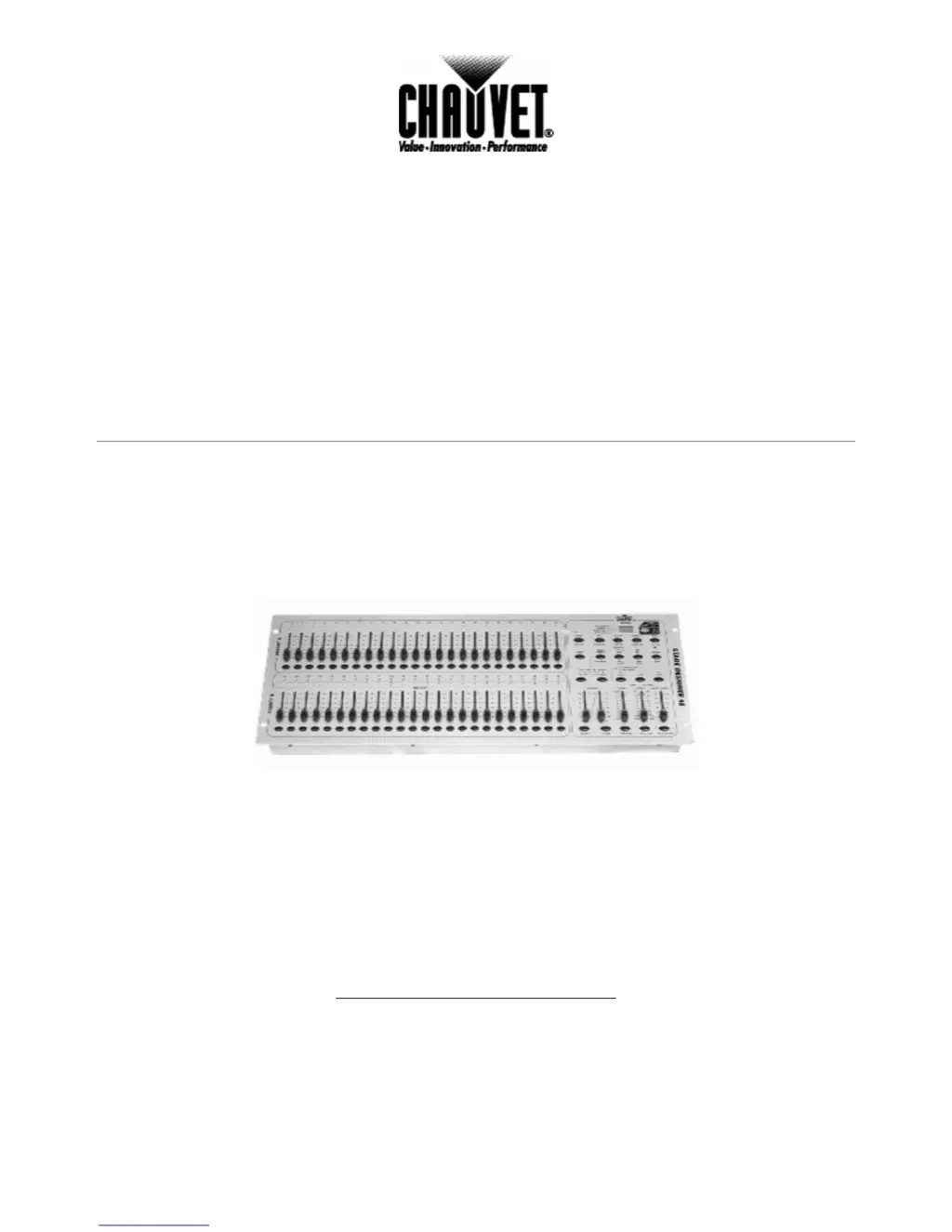
TECHNICAL REFERENCE & MANUAL
Stage Designer™ 48
TFX-48CON
CHAUVET
3000 North 29
th
Ct.
Hollywood, FL 33020
Tel: 954-929-1115 Fax: 954-929-5560
www.CHAUVETlighting.com

Questions and Answers

  • M
    Madeline ValentineSep 23, 2025
    How does stand alone mode work on Chauvet TFX-48CON?
    • K
      Katherine WalkerSep 23, 2025
      All Chauvet lighting fixtures featuring stand-alone functions do not require additional settings; simply power the fixture and it will automatically enter into this mode.
  • M
    Michael MaciasAug 23, 2025
    What to do if Chauvet DJ Equipment fixture is not responding?
    • S
      Sarah JonesAug 25, 2025
      If your Chauvet DJ Equipment fixture is not responding, check the DMX Dip switch settings to ensure they are correctly addressed. Also, inspect the DMX cables and verify the polarity switch settings.
  • W
    wellsrobertAug 25, 2025
    Why is the beam very dim or not bright on my Chauvet TFX-48CON DJ Equipment?
    • W
      walkerdanielAug 26, 2025
      If the beam of your Chauvet DJ Equipment is very dim or not bright, you should clean the optical system or replace the lamp. Also, verify that the 220/110v switch is set properly.
  • W
    Willie ColemanAug 27, 2025
    Why does the breaker/fuse keep blowing on my Chauvet DJ Equipment?
    • M
      Megan RayAug 27, 2025
      If the breaker or fuse keeps blowing in your Chauvet DJ Equipment, check the total load placed on the device.
  • P
    pdorseyAug 27, 2025
    What to do if my Chauvet DJ Equipment makes no fog?
    • D
      Danielle QuinnAug 27, 2025
      If your Chauvet DJ Equipment is producing no fog, first check the fluid tank to see if it's empty. Also, make sure the green light is on, indicating power.
  • G
    gonzalesloriSep 17, 2025
    Why is the fluid indicator not working on my Chauvet TFX-48CON?
    • C
      cmartinSep 17, 2025
      If the fluid indicator is not working on your Chauvet DJ Equipment, the filter tip on the end of the tube inserted into the fluid container must float freely in order to measure correctly; check to see if perhaps it is stuck.
  • S
    sophiaruizSep 14, 2025
    What to do if the remote does not work on my Chauvet TFX-48CON?
    • S
      Sean GreenSep 14, 2025
      If the remote for your Chauvet DJ Equipment does not work, make sure the connector is firmly connected to the device.
  • H
    Heidi WuSep 15, 2025
    What to do if my Chauvet TFX-48CON has no laser output?
    • T
      Tracy DavidSep 15, 2025
      If your Chauvet DJ Equipment has no laser output, the bounce mirror motor may have shifted during shipping. Readjust it.
  • S
    Stacy ColeSep 6, 2025
    Why does my Chauvet TFX-48CON move slow?
    • A
      Anne BowersSep 6, 2025
      If your Chauvet DJ Equipment moves slowly, check the 220/110v switch to ensure it is set properly.
  • S
    Scott LeeSep 3, 2025
    What to do if my Chauvet DJ Equipment has no light output?
    • J
      jonathanmendozaSep 3, 2025
      If your Chauvet DJ Equipment has no light output, check the slip ring & brushes for contact. Install a bulb. Call service technician

Summary

Before You Begin

Unpacking and Powering

Instructions for unpacking the device and initial power connection.

Safety Warnings and Package Contents

Important safety precautions and a list of included items.

Introduction

Technical Specifications

Detailed technical data and specifications of the lighting controller.

Product Overview

General description of the lighting controller's features.

Front Panel Controls

Identification and description of controls on the front of the device.

Rear Panel Connections

Identification and description of ports and connections on the rear.

Operating Instructions

Programming and Scene Creation

Guide to programming scenes, steps, chases, and procedures for editing/modifying them.

Running Shows and Program Execution

Instructions for executing programmed light shows, chase sequences, and audio modes.

MIDI, Speed Control, and Data Operations

Configuring MIDI settings, speed modes, file transfers, and synchronization.

Key Function Summaries and Special Modes

Overview of key functions, modes, and controls like scene direction, tempo, program modes, and special buttons.

Appendix

Maintenance and DMX Primer

Device maintenance recommendations and an introduction to DMX-512.

Returns, Claims, and Troubleshooting

Policies for returns/claims and a guide to general troubleshooting.

Chauvet TFX-48CON Specifications

General IconGeneral
BrandChauvet
ModelTFX-48CON
CategoryDJ Equipment
LanguageEnglish

Related product manuals