18
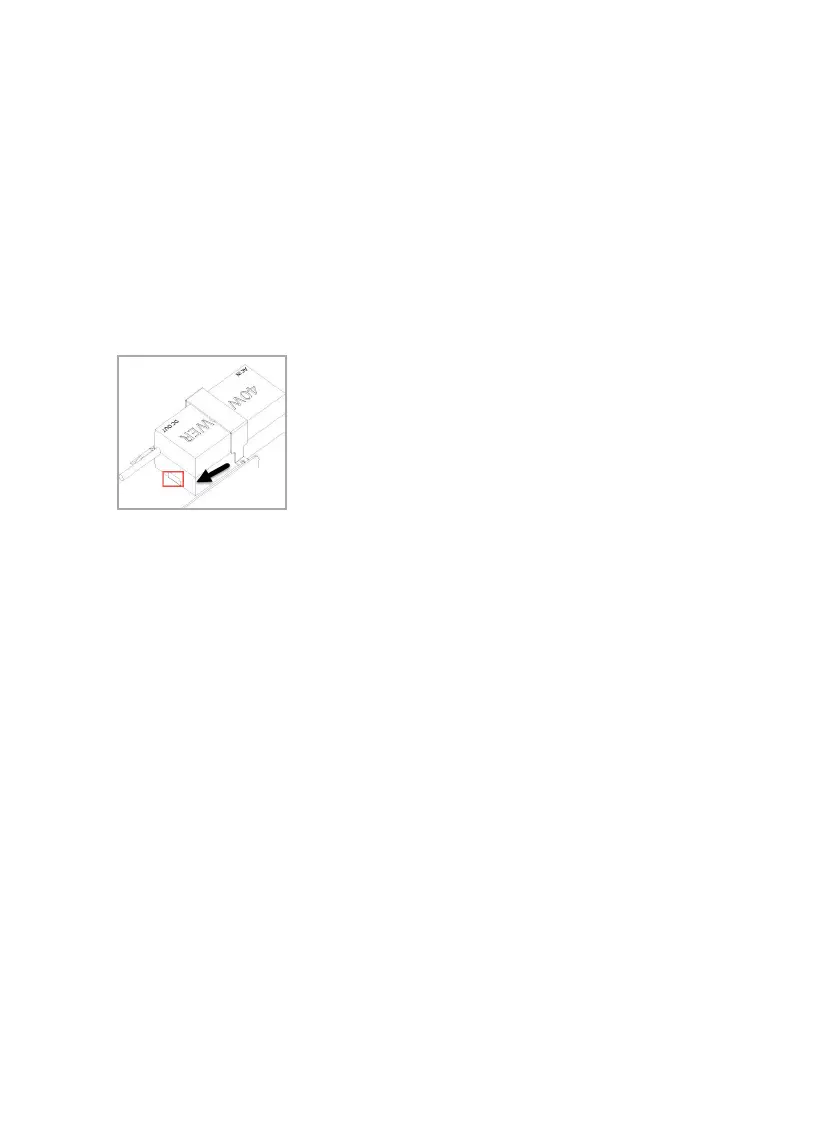
Installing the power adapters
1.
Attach the DC jack of the adapter and plug into the appliance.
Note - The 3000 appliances can use 2 adapters per appliance.
2.
Place the adapters in the correct position on the shelf. The power
adapter LED should be facing up.
3.
Place a bracket over the top of the adapter and attach to the shelf on
either side with the black screws.
4.
Use cable ties as needed to hold the cables in position.









 To Next Page