Table of Contents
3000 Appliances Getting Started Guide|30
Item Component Description
4
RJ45 console
port
For a serial connection to the appliance. See "Connecting to the 3000
Appliances CLI" on page28.
5
Console port 3100/3200 - MiniUSB console port for a serial connection to the
appliance.
3600/3800 - USB Type-C console port for a serial connection to the
appliance.
See "Connecting to the 3000 Appliances CLI" on page28.
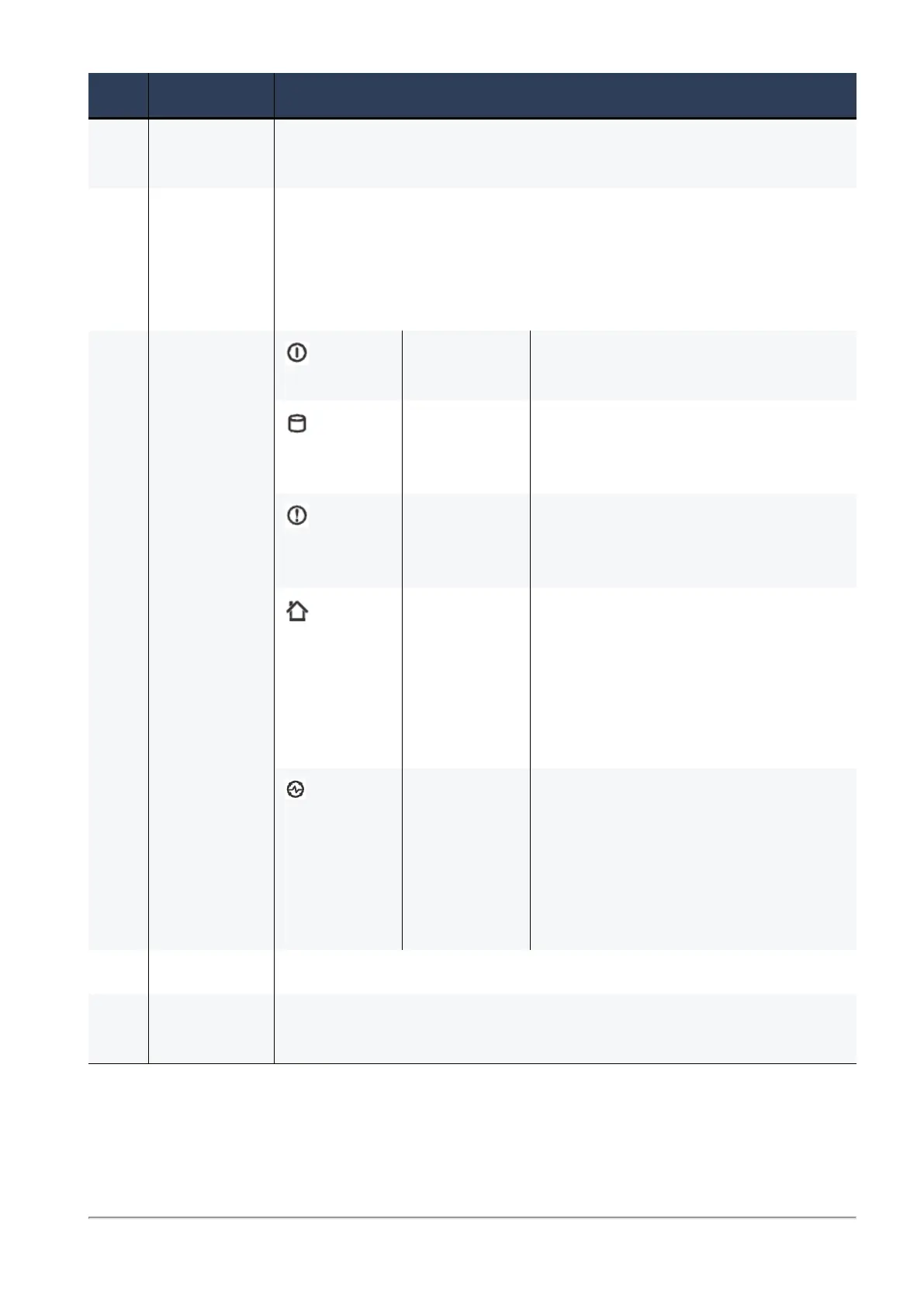
6 System LEDs System
power
n Off - System power off
n On (Green) - System power on
Storage
device
activity
n Off - No storage device activity
n On (Green) - Read/write activity
Alert n Off - No faults detected
n Blinking red - System fault
detected
Location In 3100/3200 only -
n Off - Location beacon is turned
off
n Blinking blue - Location beacon
is turned on through the Gaia
WebUI software
Power supply
status
In 3600/3800 only -
n Off - No power/no status
n Amber - Power supply fault is
detected
n Green - All power supplies are
functioning
7
Reset Insert a pin for 5 to 8 seconds to perform a hardware reset.
8
Factory In 3100/3200 only - Insert a pin to restore the appliance to its factory
defaults.








 To Next Page