Table of Contents
3000 Appliances Getting Started Guide|35
n The appliance's Alert LED on the front panel will blink red.
n
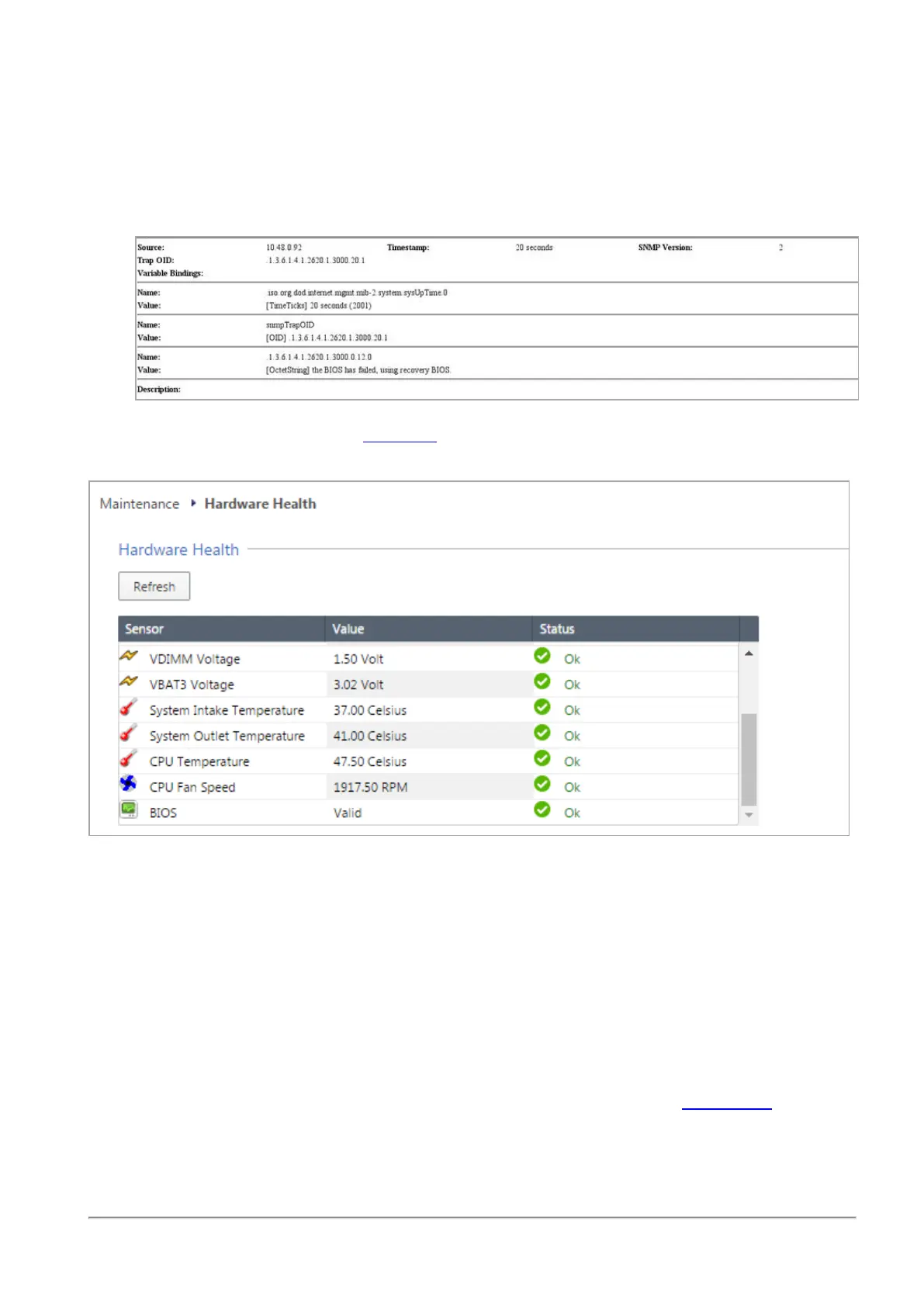
The Gaia WebUI Hardware Health window shows that the BIOS sensor is Invalid and its
status is Off.
n
An SNMP trap message (if the biosFailure trap was configured in the WebUI or through
Clish).
To recover from a BIOS failure, see sk108517 or contact Check Point support. The appliance is fully
functional until the BIOS recovery is completed.
Replacing and Upgrading Components
The 3000 Appliances has parts that you can easily replace to minimize downtime. There are also
components that you can install to upgrade the appliance. These are the parts and components
that can be used with the appliance:
n Shelf rack mounting - Optional for the appliances
n AC Power Adapter
For more information about installing these components, see the appliance home page.
Unless directed to do so by Check Point technical support, you are prohibited by warranty and
support agreements from replacing any parts.








 To Next Page