It is strongly recommended that before you deploy your PODs,
you practice setup, starting, closing, opening and downloading
data, as described in this section and sections 6 and 7, so that
you are confident with the operating procedures.
Setup options
The F-POD app allows you change the following setup options:
• using different types of battery
• continuous or intermittent logging
• filtering boat sonars
• automatic amplitude threshold control
• switch angle settings
• resetting the internal clock, for example, to use local time rather
than UTC.
All the above options and more advanced options are described in the
F-POD Software Guide.
Opening the F-POD
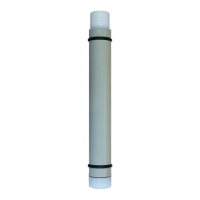
1. Use a screwdriver or bar through any one of the three holes in the lid to
remove it by rotating it anti-clockwise (as seen looking at the lid end).
Internal parts


 To Next Page
 Loading...