11
2 Connecting the mouse
via the receiver
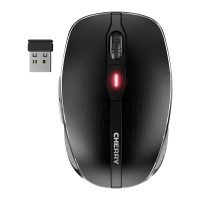
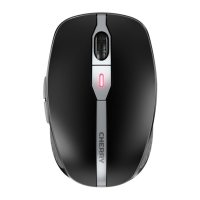
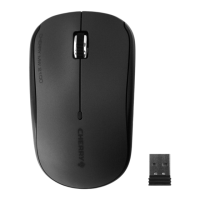
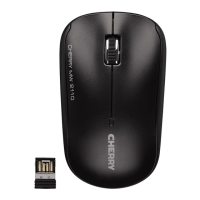
The receiver is in a compartment on the
bottom of the mouse and is held in place
by magnets.
1 Pull the receiver out of the housing.
2 Connect the receiver to the USB socket
on the PC/laptop.
3 Set the switch on the bottom of the
mouse to RF.
3 Adjusting the sensitivity
of the mouse (DPI
number)
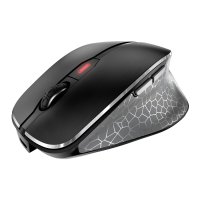
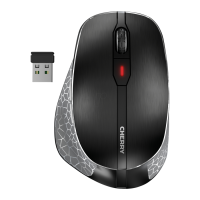
• Press the DPI button on the top of the
mouse.
The LED flashes depending on the
setting:
1x = 600 dpi
2x = 1000 dpi
3x = 1600 dpi
4x = 3200 dpi
4 Charging the mouse
When the red LED flashes, you should
charge the mouse soon.
• Connect the charging cable to the
mouse and a USB socket on the PC/
laptop.
5 Disposal
This device contains a lithium ion
battery. This cannot be replaced.
64410026-00_DE-EN-FR-ES-IT-NL_KA-MW8Advanced.fm Seite 11 Dienstag, 29. Mai 2018 5:24 17


 To Next Page