
 Need help?
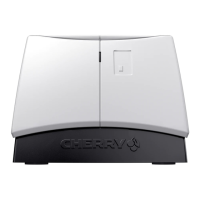
Do you have a question about the Cherry SmartTerminal ST-1144 and is the answer not in the manual?
Automatic device recognition and driver installation for Windows users.
Instructions for connecting to Linux and Mac systems via online software.
Compliance with FCC rules for Class B digital devices and interference prevention.
Statement regarding UL listing and compatibility with Personal Computers.
Japanese VCCI compliance statement for information technology equipment.
 General
| Interface | USB 2.0 |
|---|---|
| Cable length | 1.75 m |
| Product color | Black, Grey |
| Operating temperature (T-T) | 0 - 60 °C |
| Operating relative humidity (H-H) | -20 - 50 % |
| Current consumption (max) | 0.1 A |
| Certification | cURus, VDE GS, VCCI, CE, FCC, VDE, FIPS 201 |
| Package type | Box |
| Package depth | 59 mm |
| Package width | 117 mm |
| Package height | 47 mm |
| Package weight | 350 g |
| Mean cycles between failures (MCBF) | 100000 |
 Weight and Dimensions
| Depth | 55 mm |
|---|---|
| Width | 75 mm |
| Height | 51 mm |
| Weight | 300 g |

 To Next Page