MODIFY A DEVICE
On Skipper Senso there is already a blind type device set with the name “Device 01”. If
the device name or type is to be changed then proceed in the following manner:
Main / Programming / Device / Modify
-“Name”: in order to customize the device name (maximum 16 characters)
Create the required name using the keyboard (see page 28). To quit: ENTER.
-“Type”: to classify the device (blind, awning, venetian blind). After selecting, the system
automatically goes back to the screen “NEW DEVICE”. To quit: BACK.
To save the changes: SAVE.
DELETE A DEVICE
If a new device is to be memorised on Skipper Senso, it is necessary to rst proceed with
the deletion of the current device. Proceed as follows:
Main / Programming / Device / Delete / DELETE
When requested, verify successful deletion with the UP/DOWN/STOP buttons.
Once the check has been made, press END PROCEDURE.
43
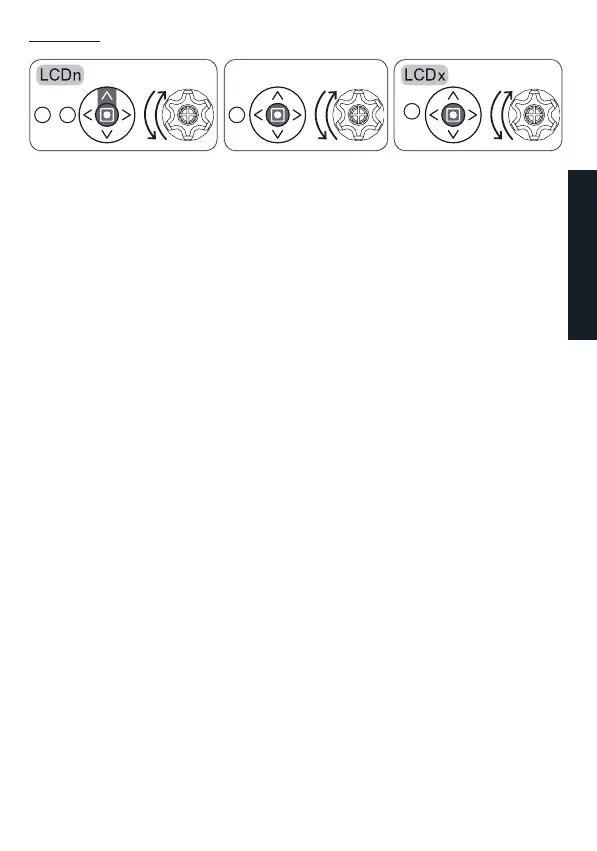
Procedure 6
To execute “storing of other remote controls” on two LCD remote controls
:
B
2sec
B
+
A
B
Already stored LCD remote control LCD remote control to be stored
ENGLISH


 To Next Page