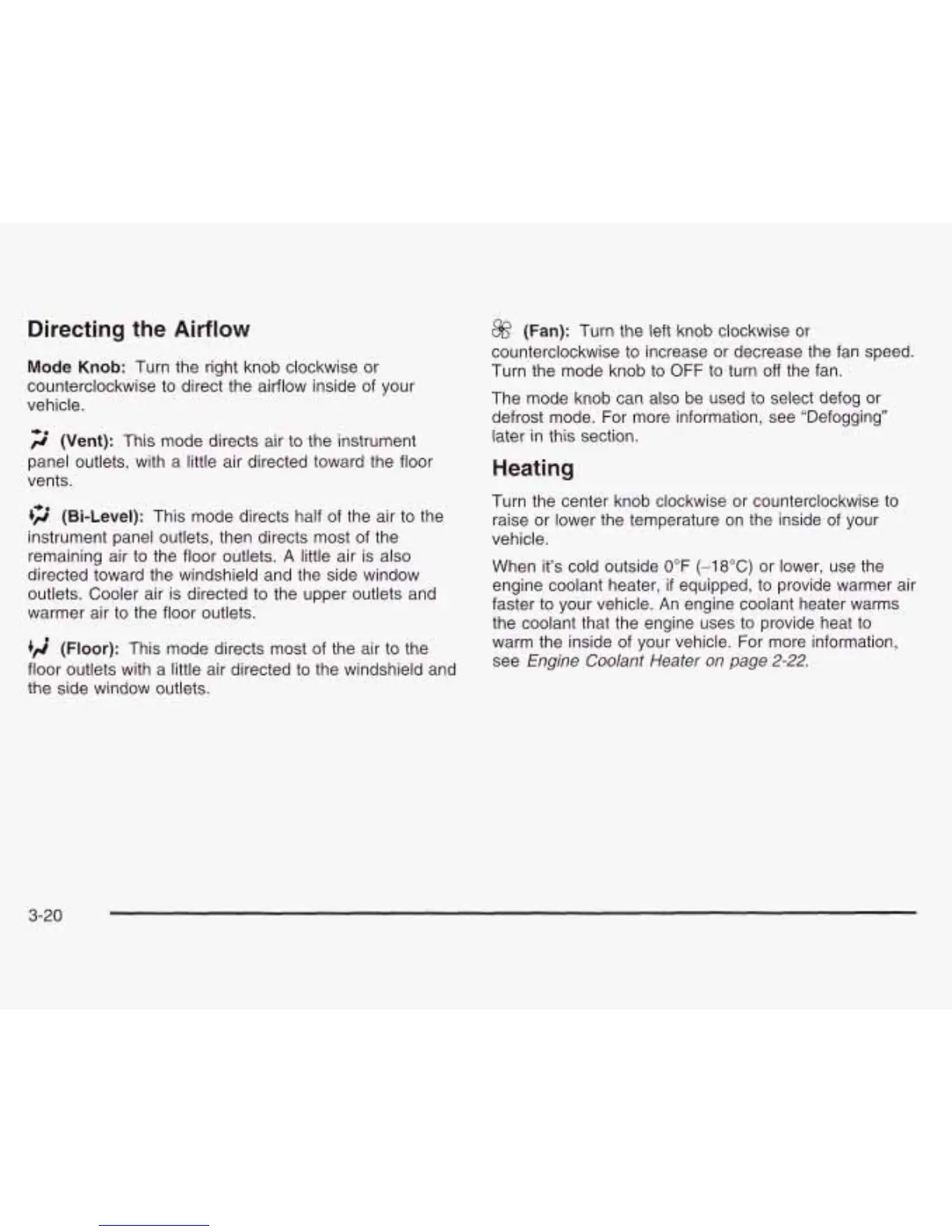
Directing the Airflow
Mode
Knob:
Turn the right knob clockwise or
counterclockwise to direct the airflow inside of your
vehicle.
2
(Vent):
This mode directs air to the instrument
panel outlets, with a little air directed toward the floor
vents.
+2
(Bi-Level):
This mode directs half of the air to the
instrument panel outlets, then directs most of the
remaining air to the floor outlets.
A
little air is also
directed toward the windshield and the side window
outlets. Cooler air is directed to the upper outlets and
warmer air to the floor outlets.
+A
(Floor):
This mode directs most of the air to the
floor outlets with a little air directed to the windshield and
the side window outlets.
@
(Fan):
Turn the left knob clockwise or
counterclockwise to increase or decrease the fan speed.
Turn the mode knob to
OFF
to turn
off
the fan.
The mode knob can also be used to select defog
or
defrost mode. For more information, see “Defogging”
later
in
this section.
Heating
Turn the center knob clockwise or counterclockwise to
raise or lower the temperature on the inside of your
vehicle.
When it’s cold outside 0°F
(-18°C)
or lower, use the
engine coolant heater,
if
equipped, to provide warmer air
faster to your vehicle. An engine coolant heater warms
the coolant that the engine uses to provide heat to
warm the inside of your vehicle. For more information,
see
Engine Coolant Heater on page
2-22.
3-20




 To Next Page