Infotainment System 35
Enter Destination
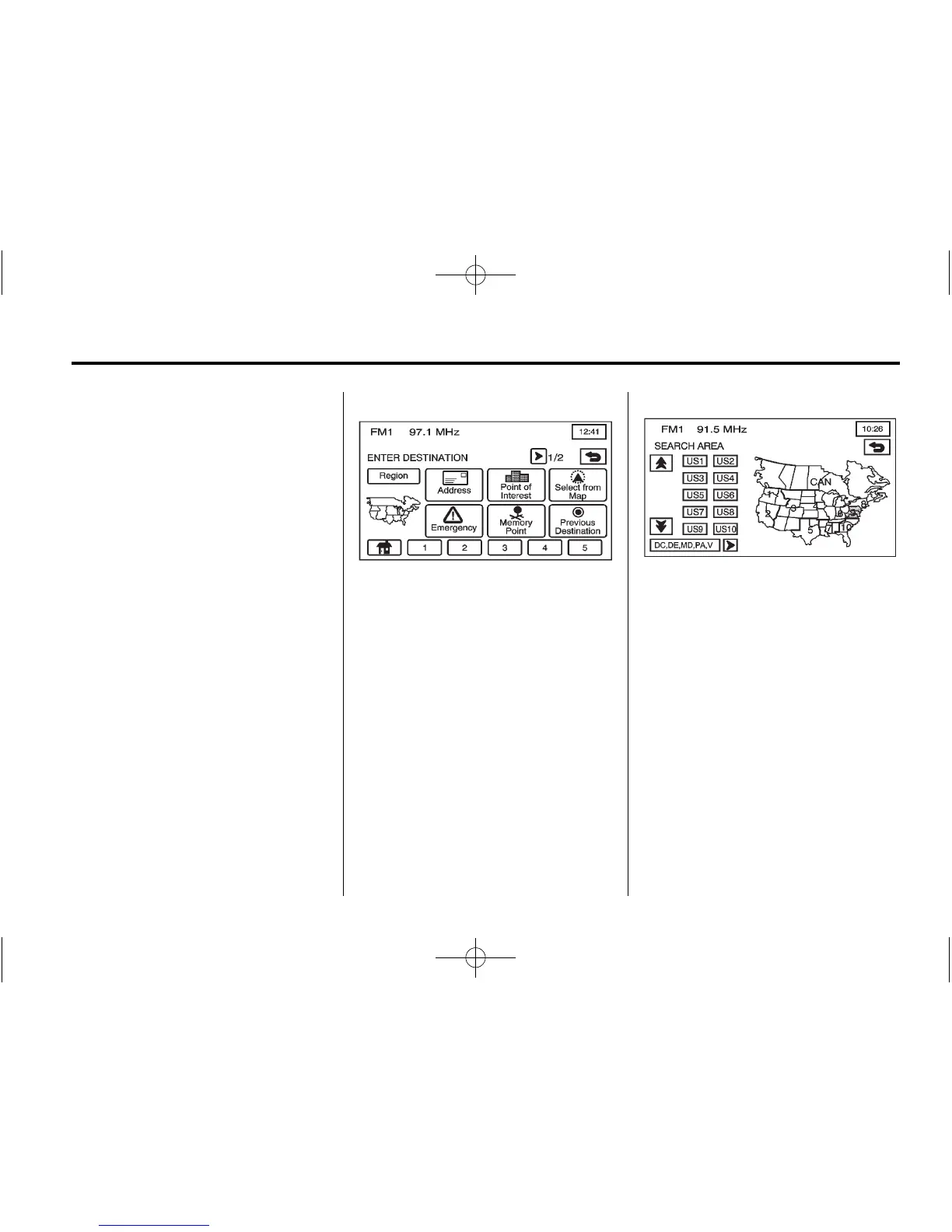
Press A (Enter Destination) to
access the ENTER DESTINATION
screen. From this screen, several
options are available to plan a route
by entering destination points.
Once a destination entry is
complete, regardless of which
method used, a map screen with the
destination previewed displays.
.
Change route preferences, route
options, map appearances,
or add a waypoint at this time.
.
Set the destination without
making any further changes.
See “Getting Started on Your
Route” in this section for more
information on your choices
once a destination has been
entered.
This menu has two pages. To view
the second page, press the
1/2 arrow button.
Region
The ENTER DESTINATION screen
displays a map of the United States
and a part of Canada divided into
11 regions.
Before selecting a destination entry
method, review the search area
map to make sure your destination
is located in the highlighted region.
1. Press Region from the ENTER
DESTINATION screen to see a
list of states included in the
highlighted region, or to change
the region. The SEARCH AREA
screen displays.
2. Press the numbered screen
button to the left of the search
area map that corresponds with
the numbered region you wish to
select or to view a list of states
included in that region.















 To Next Page