Infotainment system 111
Display the information of the track
being played.
(16) P BACK button
Cancel the input item or return to the
previous menu.
Connecting iPod® player
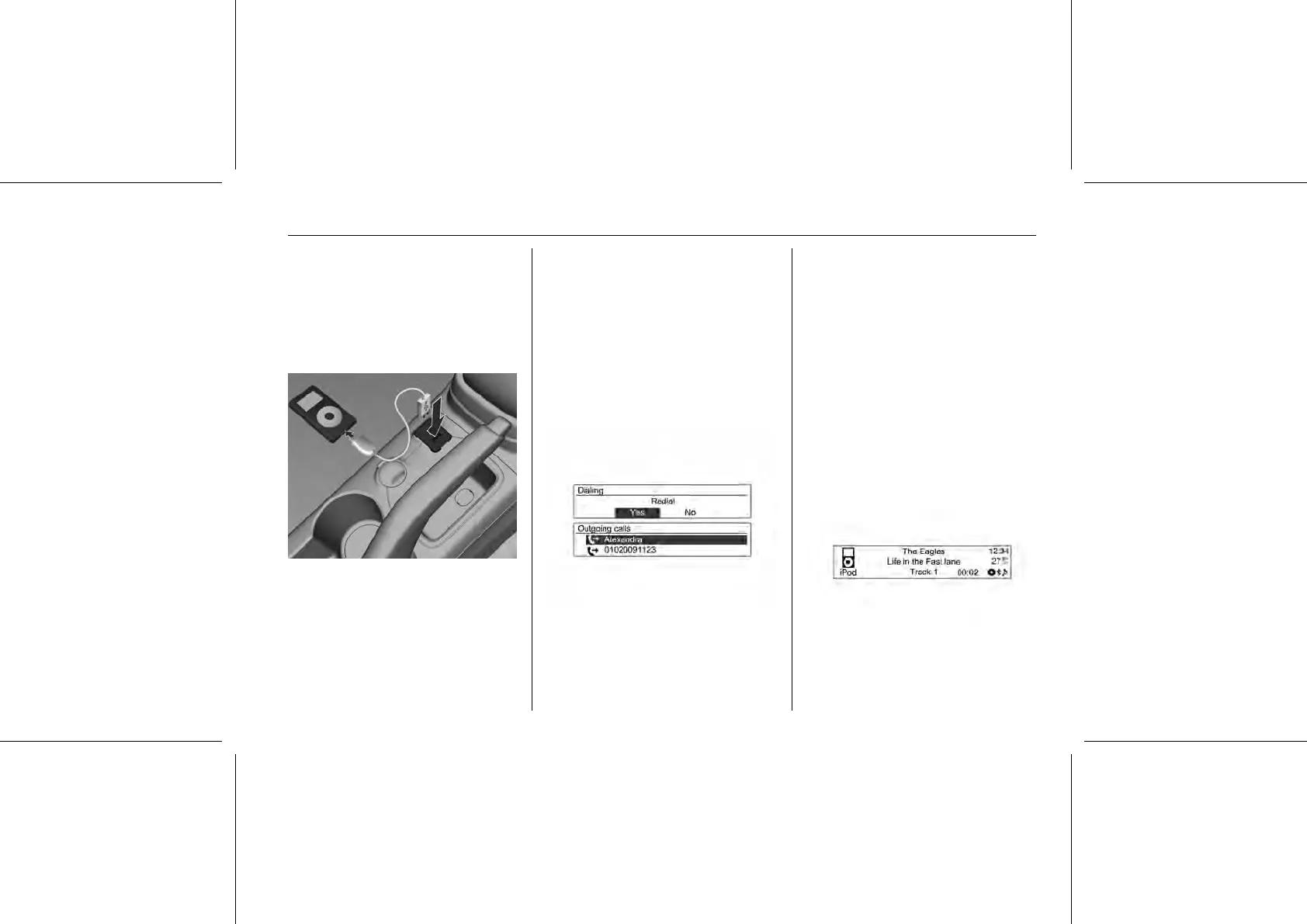
Below the instrument panel is a
connection for the iPod® with music
files to be played to the USB
connecting terminal.
■ The iPod® product models that are
connected/supported by this
product are as follows.
◆ iPod® 2G Nano/iPod® 3G Nano/
iPod® 4G & 5G Nano
◆ iPod® 120GB & 160GB Classic
◆ iPod® 1G, 2G, & 3G Touch
◆ iPhone® 3G & 3GS
■ Only connect the iPod® to this
product with connection cables
supported by iPod® products.
Other connection cables cannot be
used.
■ In some cases, the iPod® product
may be damaged if the ignition is
turned off when it is connected to
the product.
When the iPod® product is not
being used, keep it separately from
this product with the car ignition
turned off.
■ Once the product finishes reading
the information on the iPod®
device, it will play automatically.
■ If a non-readable iPod® device is
connected, then the relevant error
message will appear and the
product will automatically switch to
the previously used function or the
FM radio function.















 To Next Page