26
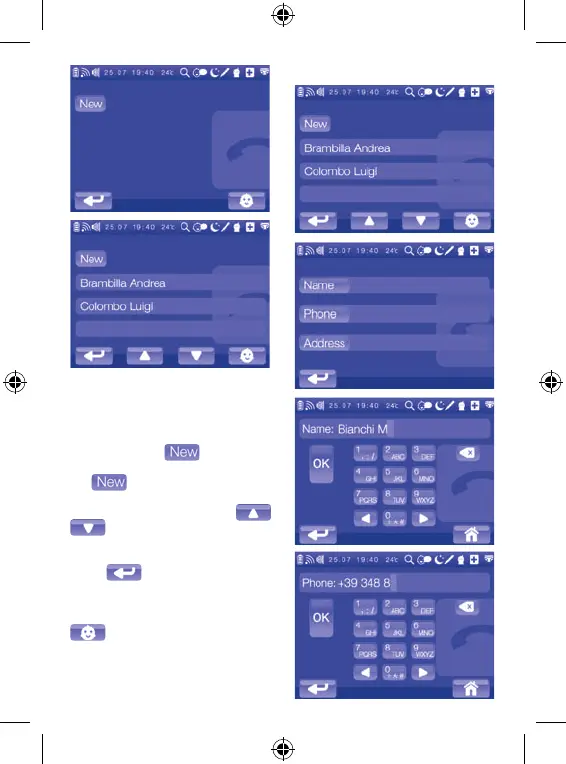
To manage the contact list, access the
corresponding sub-menu by touching
its icon on the main menu.
The first time you access this feature,
the Contact List will be displayed,
identified by the
icon only. In
other cases, the screen will include
the
icon and the names of the
contacts that have been saved, which
you can scroll through using
. Note: If, while navigating in
the Contact List sub-menu, you wish
to exit and go back to the main menu,
touch
. If, on the other hand,
you wish to go back to displaying the
full screen image filmed by the video
camera (5) on the child unit, touch
.
Creating a new contact


 To Next Page