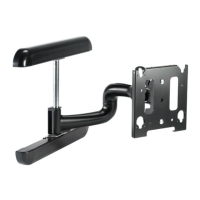
MWH Installation Instructions
8
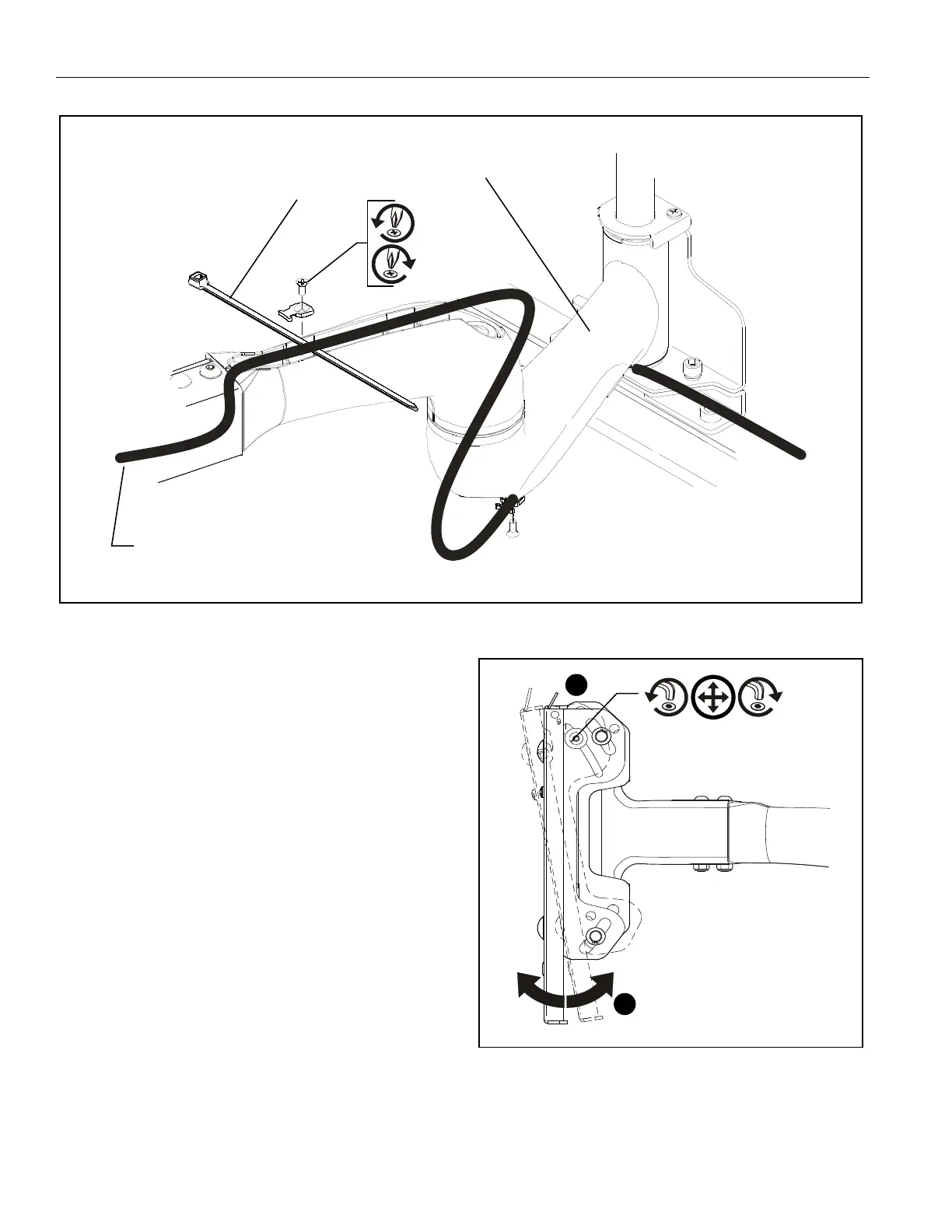
Figure 7
(E) x 4
x 4
From Display
(A) x 4
ADJUSTMENTS
Pitch Tension Adjustment
To adjust display pitch tension:
1. With display installed, tighten or loosen two screws, one on
each side, using the 5/32” hex wrench. (See Figure 8)
2. Check for desired tension.
3. Repeat Steps 1 and 2 until desired tension is obtained.
Figure 8


 To Next Page