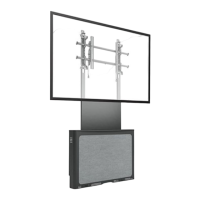
Installation Instructions PSS2000
5
INSTALLATION
NOTE:
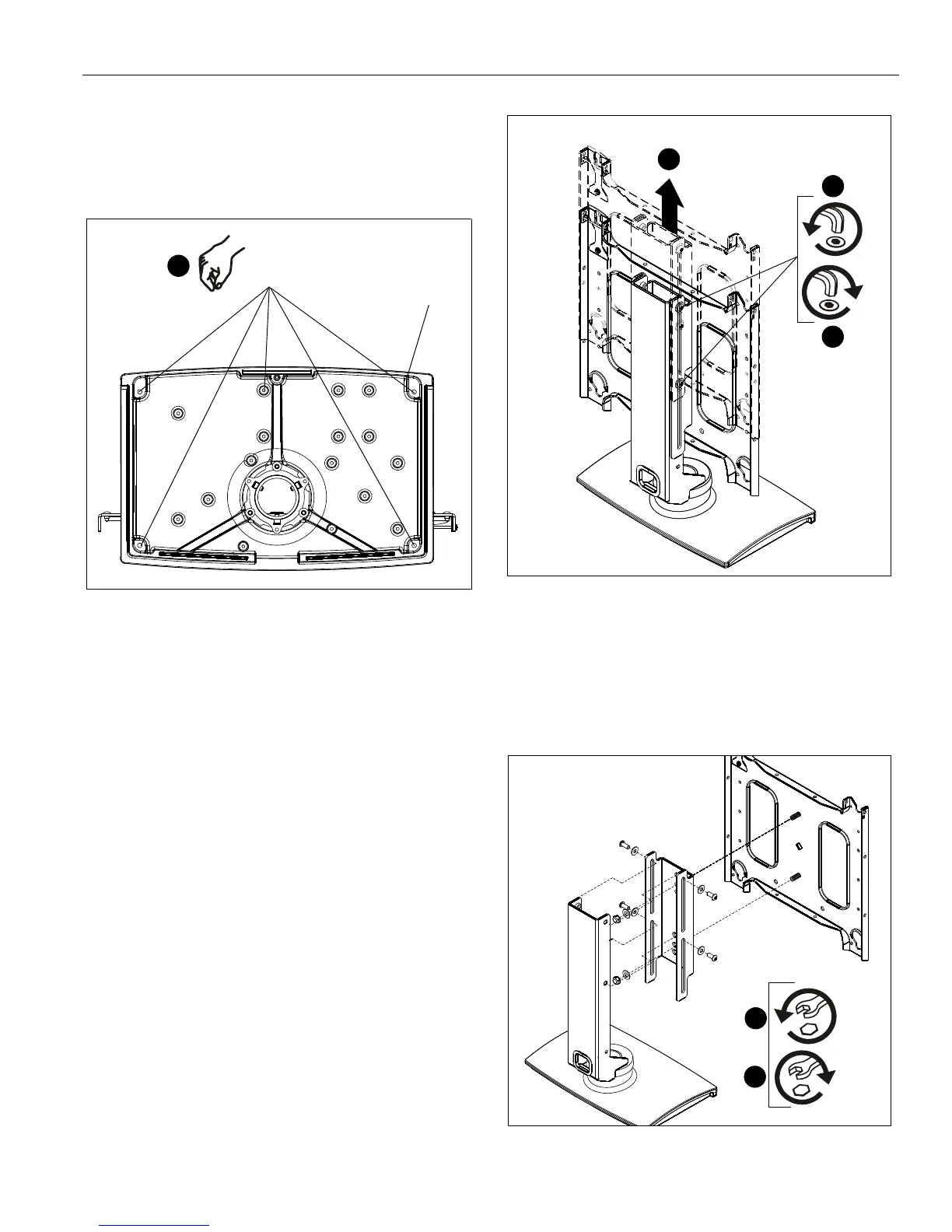
For free-standing applications only, install five rubber
bumpers (B) onto bottom of stand (A). (See Figure 1)
Figure 1
Stand Assembly
NOTE:
PSS2000 ships assembled for displays 30" in height or
less, and lowered to its minimum height.
Display Height 30 Inches or Smaller
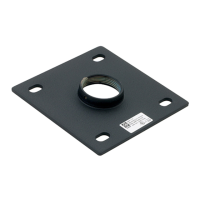
1. Loosen the four height adjustment screws and raise the
slide with faceplate to its maximum height. (See Figure 2)
2. Raise slide to the maximum height.
3. Secure slide in place by tightening the four height
adjustment screws. (See Figure 2)
Figure 2
Display Height Greater Than 30 Inches
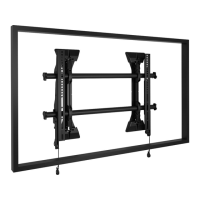
1. Remove slide from base by removing four button head cap
screws and four flat washers. (See Figure 3)
2. Remove faceplate from slide by removing two flat washers
and two lock nuts. (See Figure 3)
Figure 3


 To Next Page