7
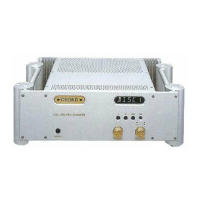
headphones CPA 4000
to turn on headphone mode
1. Insert the headphone jack(s).
2. Press the SET button several times until H-PHN is displayed.
Headphone mode automatically mutes your loudspeakers. Heaphone mode also
prevents any volume control from automatically unmuting your loudspeakers.
to turn off headphone mode
1. Press the SET button several times until your chosen output is displayed or
2. Press Mute on your remote control or
3. Press either OUT1, OUT2 or OUT1/2 on your remote control.



 To Next Page
 Loading...