When the vehicle is shifted out of REVERSE (with camera
delay turned OFF), the rear camera mode is exited and
the navigation or audio screen appears again.
When the vehicle is shifted out of REVERSE (with camera
delay turned ON), the camera image will continue to be
displayed for up to 10 seconds after shifting out of
REVERSE unless the vehicle speed exceeds 8 mph
(13 km/h), the vehicle is shifted into PARK or the ignition
is switched to the OFF position.
A touch screen button to disable display of the camera
image is made available when the vehicle is not in
REVERSE gear. Display of the camera image after shift-
ing out of REVERSE can be disabled via a touch screen
button personalization entry in the camera settings
menu.
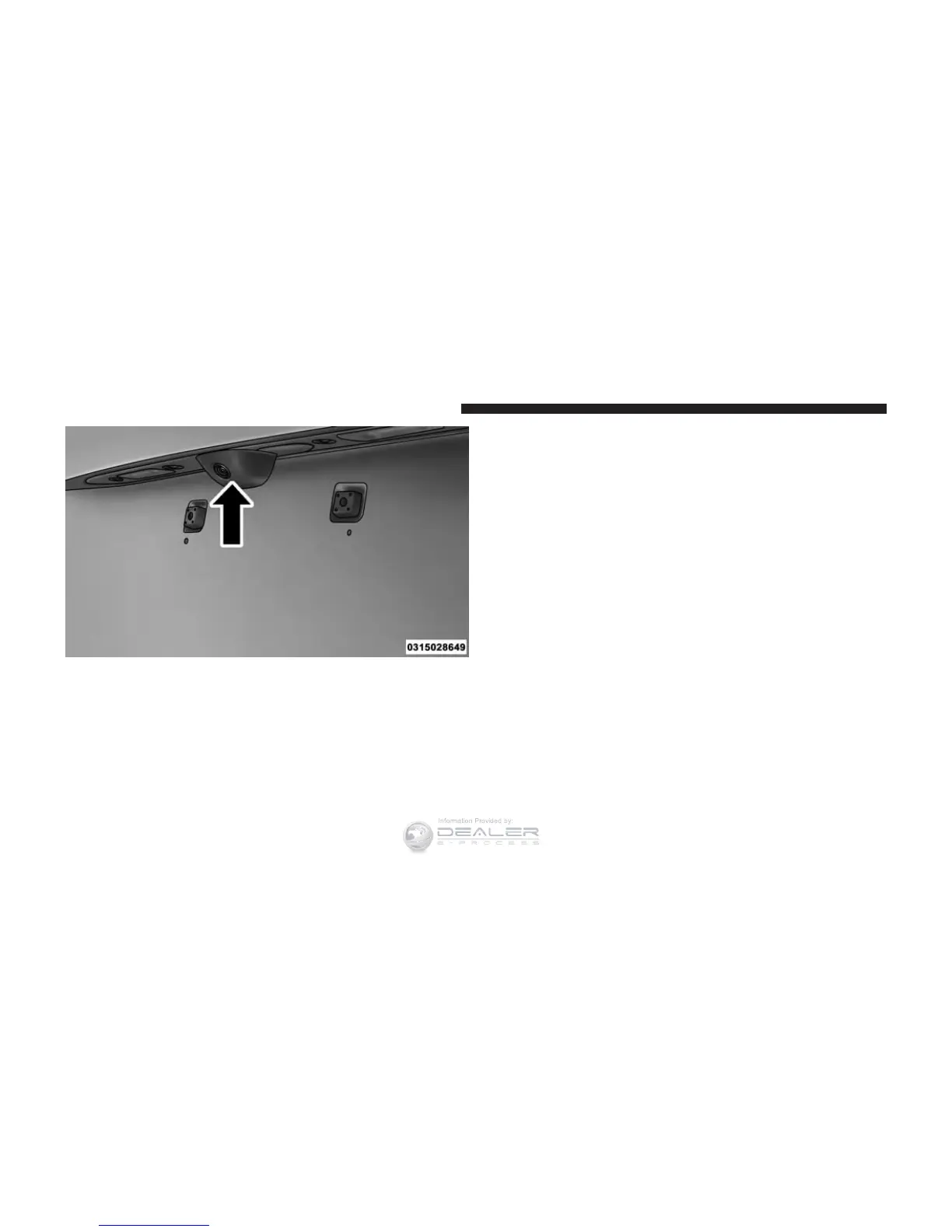
ParkView Camera Location
272 UNDERSTANDING THE FEATURES OF YOUR VEHICLE













 To Next Page