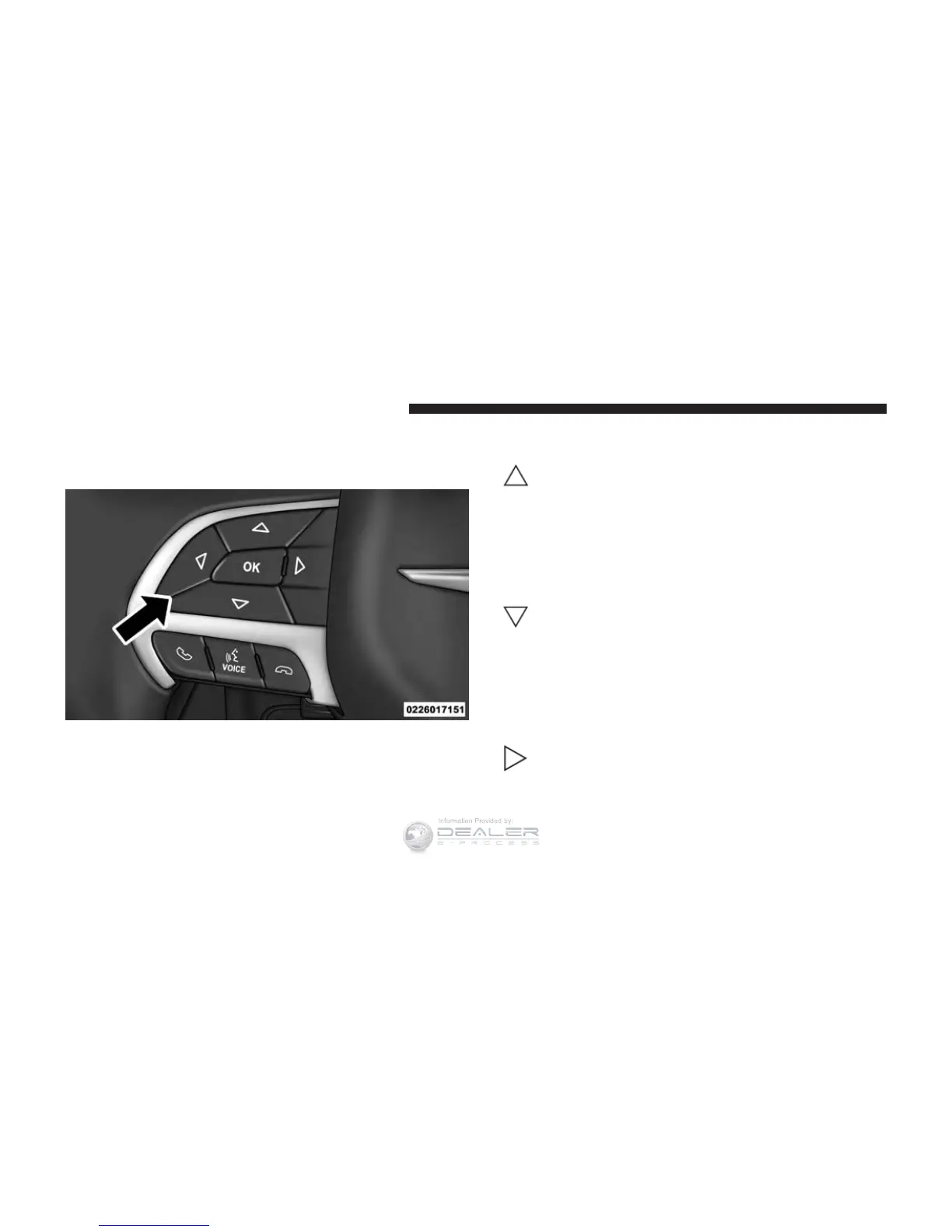
The system allows the driver to select information by
pushing the following buttons mounted on the steering
wheel:
• UP Arrow Button
Push and release the UP arrow button to scroll
upward through the main menu and sub-
menus (Speedometer, Vehicle Info, Driver As-
sist, Fuel Economy, Trip Info, Audio, Messages,
Screen Setup).
• DOWN Arrow Button
Push and release the DOWN arrow button to
scroll downward through the main menu and
submenus (Speedometer, Vehicle Info, Driver
Assist, Fuel Economy, Trip Info, Audio, Mes-
sages, Screen Setup).
• RIGHT Arrow Button
Push and release the RIGHT arrow button to
access the information screens or sub-menu
screens of a main menu item.
DID Controls
368 UNDERSTANDING YOUR INSTRUMENT PANEL













 To Next Page