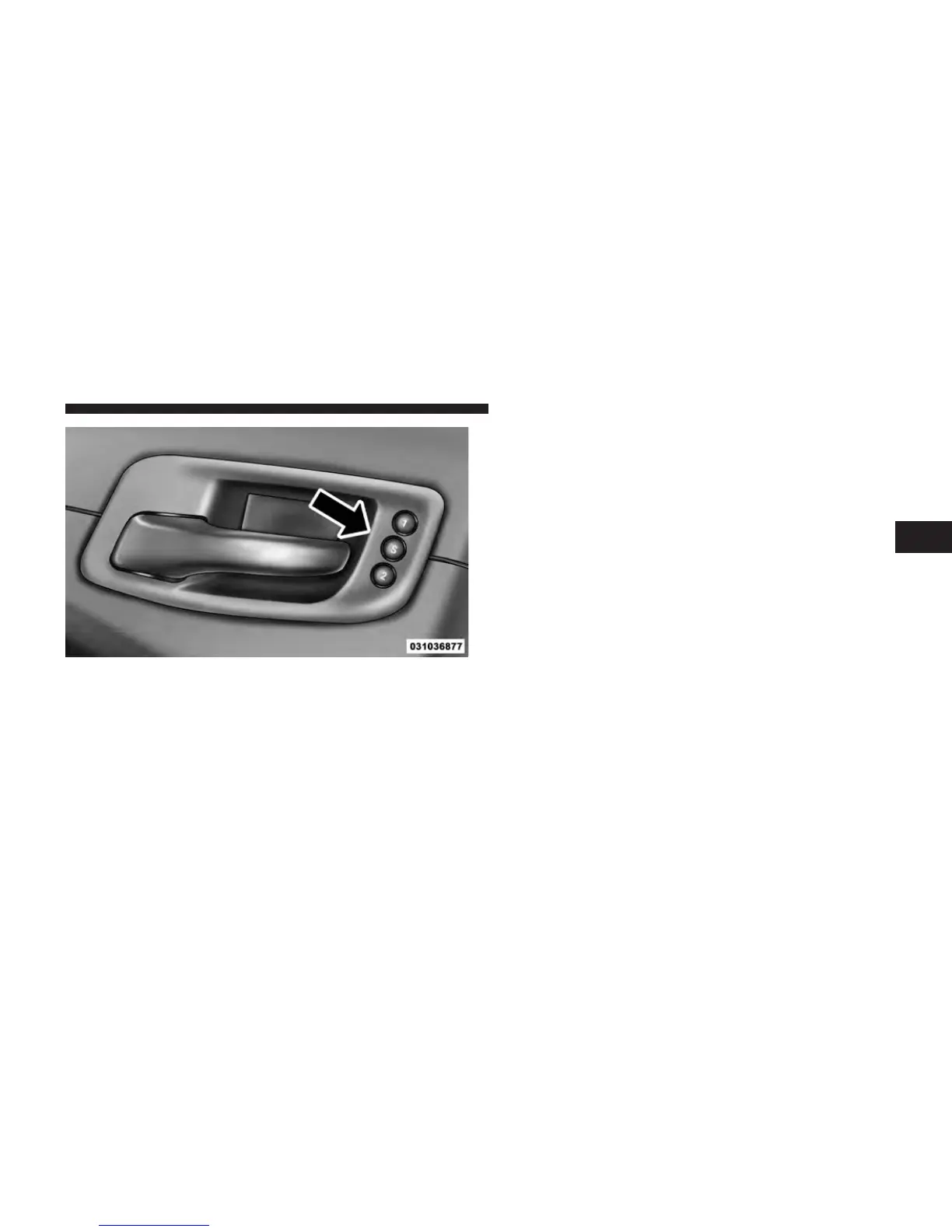
Programming The Memory Feature
To create a new memory profile, perform the following:
1. Place the ignition into the RUN position.
2. Adjust all memory profile settings to desired prefer-
ences (i.e., seat, side mirror, adjustable pedals [if
equipped], power tilt and telescopic steering column [if
equipped], and radio station presets).
3. Press and release the S (Set) button on the memory
switch.
4. Within five seconds, press and release either of the
memory buttons (1) or (2). The Electronic Vehicle Infor-
mation Center (EVIC) will display which memory posi-
tion has been set.
NOTE:
•
Memory profiles can be set without the vehicle in
PARK, but the vehicle must be in PARK to recall a
memory profile.
•
The Recall Memory with Remote Key Unlock feature
can be enabled through the Uconnect Touch™ System,
refer to “Uconnect Touch™ Settings” in “Understand-
ing Your Instrument Panel” for further information.
Memory Seat Switch
3
UNDERSTANDING THE FEATURES OF YOUR VEHICLE 159















 To Next Page