Correct shutdown and storage
Safe shutdown
Power off the projector through the following steps
and store the device safely
1. Press
(POWER)on body panel of the projector
or remote control, and power off the device
according to the prompts.
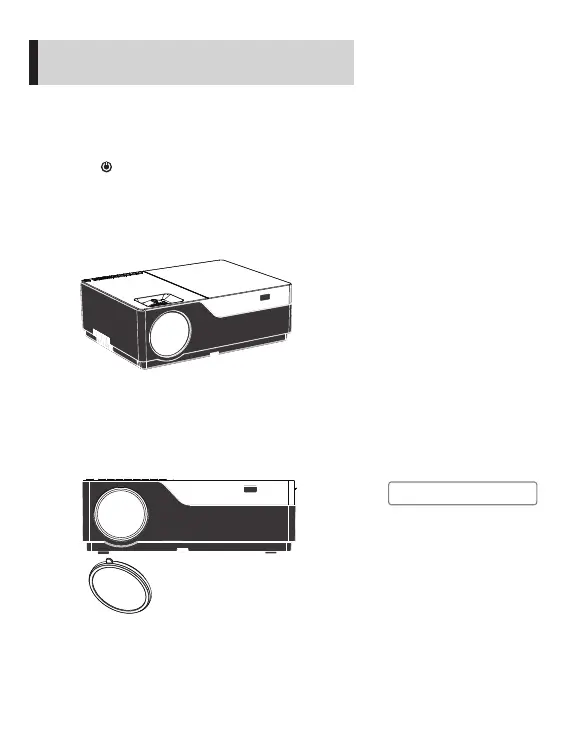
3. Cover the dust-proof lens cap into the lens and
store the device in a cool and dry place.
2. Rotate the focusing ring into the device to ensure
that the lens is fully
contained inside the device.
!
Note
Cover the dust-proof lens cap into
the lens and store the device in a
cool and dry place.
17


 To Next Page