1
Projector installation
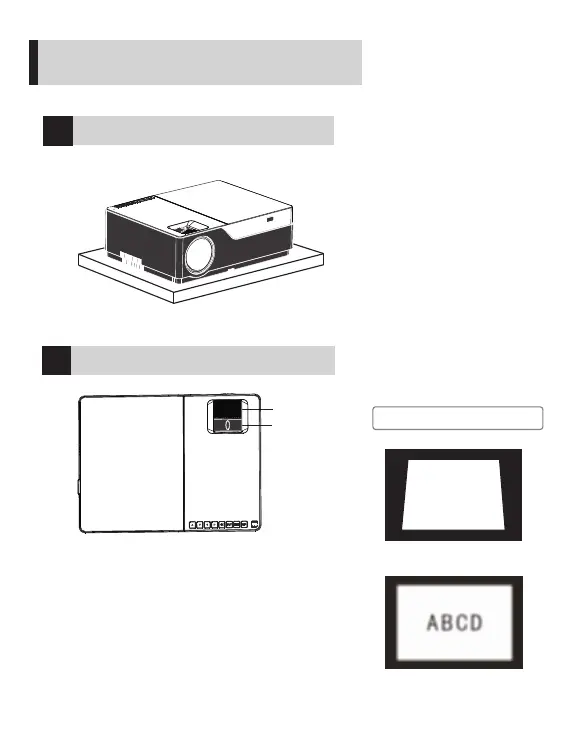
Place horizontally
!
Precaution
Keystone distortion
2
Focal length setting
AB CD
Blurred image
Installation and debugging
How to quickly install and debug the projector
Trapezoid correction
Lens Effects Focus
Adjust the keystone correction and focusing ring on
the projector to obtain the satisfactory imaging effect.
When keystone distortion occurs (see Figure 1 on the
right), it is recommended to adjust the keystone
correction ring.
When the image is blurred (see Figure 2 on the right),
it is recommended to adjust the focusing ring to
improve the clarity of the image.
If satisfactory clarity cannot be achieved through
adjustment, move the product forward or backward.
7



 To Next Page