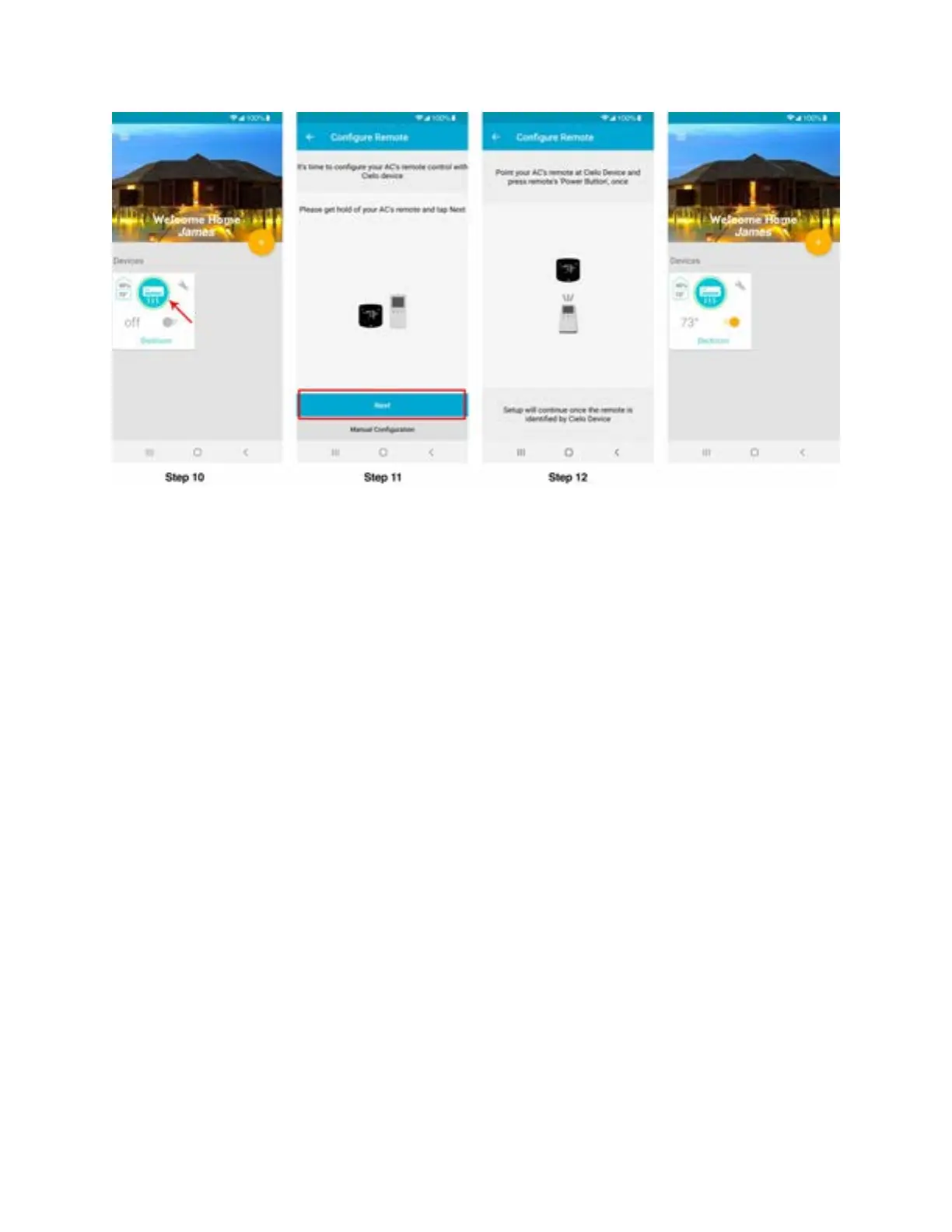
Registration process is complete. Enjoy the unlimited controls!
Quick Tip: All four buttons at the bottom of Breez Plus will blink once at the same time after
receiving the remote control's signal. If they do not blink, please check the batteries of remote
control.
Your home screen
Your home screen shows the real time status of all your Cielo Devices.
A registered Cielo Device can show either of the 3 status, outlined in circles:
1 - Green - Device is online. You’re good to go!
2 - Red - Device is offline. (try following options)
- Ensure your phone is connected to a working internet connection.
- Refresh home screen by swiping downwards (Pull-to-refresh).
- Ensure device is connected to a working internet connection.
3 - Grey - Device is offline. (try following options)
- Ensure your phone is connected to a working internet connection



 To Next Page