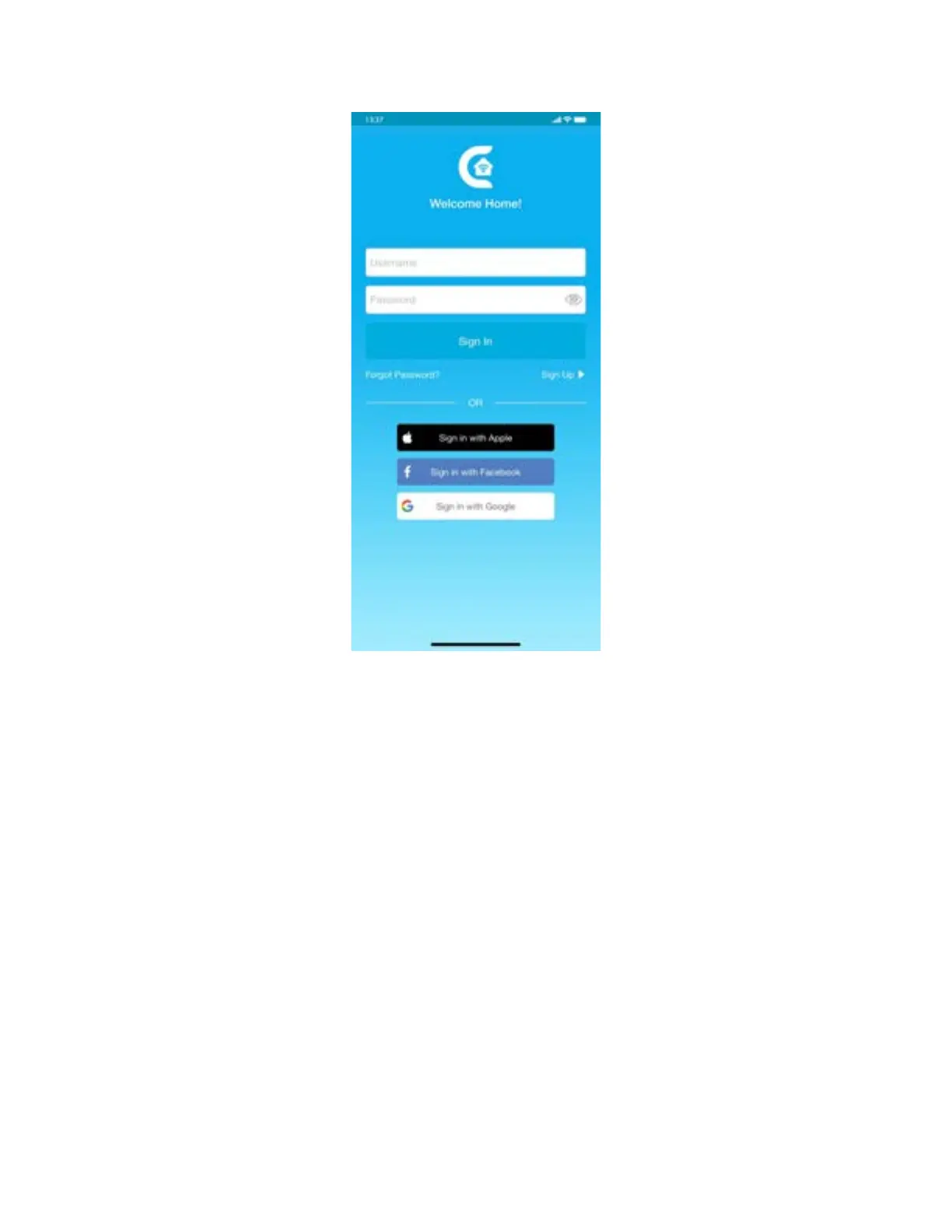
Step 3A: Registration - iOS users
Note: Registration process is meant to connect the Breez Plus to your home Wi-Fi network
through the ‘Cielo Home’ App.
Note: For iOS 13.0 & above, location permission is required to complete the registration
process. You may disable it later.
Note: Please turn off LTE/mobile data on your phone during the registration process to ensure
seamless registration. You may enable it later.
Step 1: After successful login, you are at the Home screen.
Step 2: Tap the ‘+’ icon as shown in the red circle.
Step 3: Go to your phone’s Wi-Fi settings.
Step 4: Connect your phone to Cielo Device Wi-Fi (Cielo_xxxx_xxxxxx).
Step 5: Go back to ‘Cielo Home’ App.



 To Next Page