Step 4K: Changing Wi-Fi - iOS users
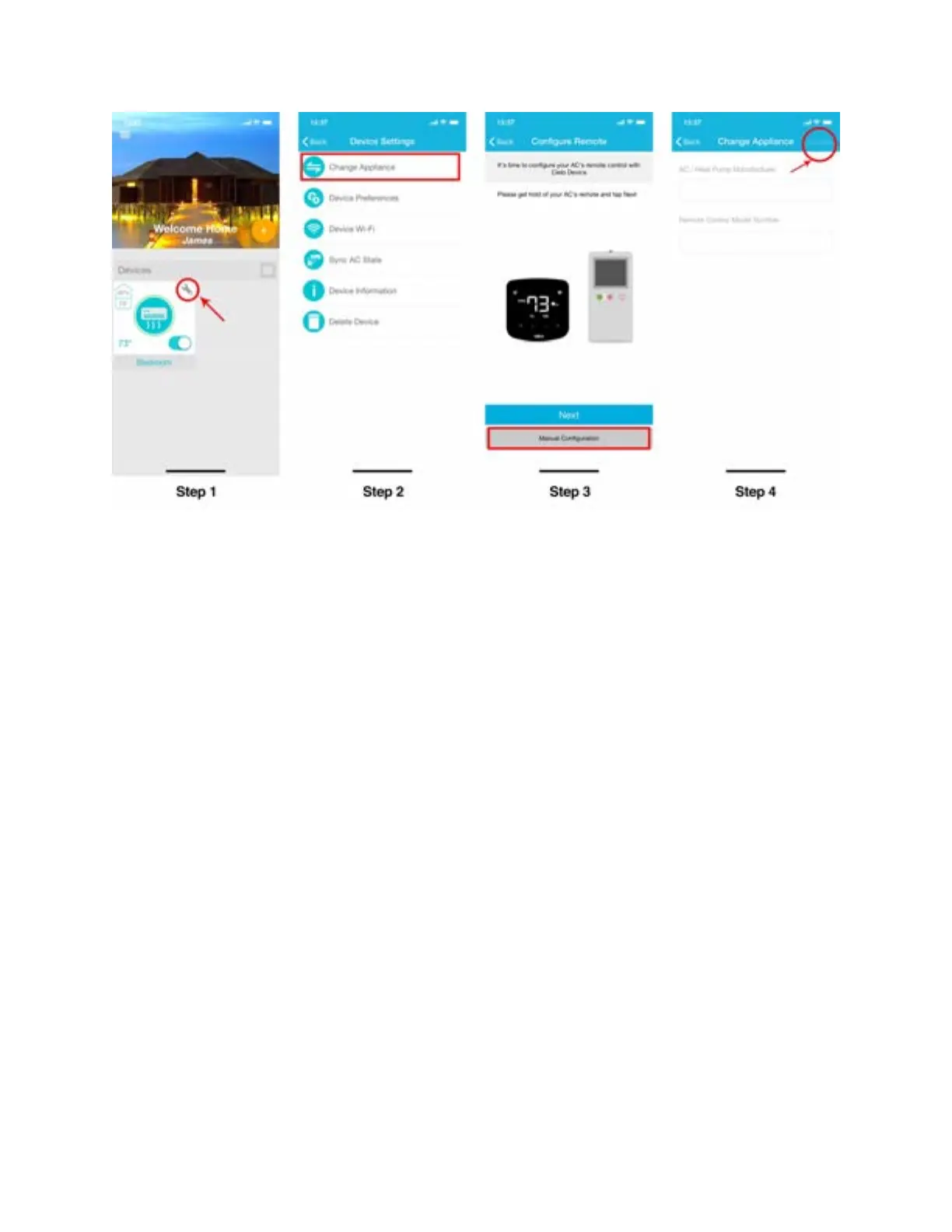
Step 1: Tap on ‘Wrench’ of your registered Device.
Step 2: In Device settings, tap on ‘Device Wi-Fi’.
Step 3: In Device Wi-Fi settings, tap on 'Change Wi-Fi'.
Step 4: Select the Wi-Fi you wish to connect to, just enter the password and tap on ‘Connect’.



 To Next Page