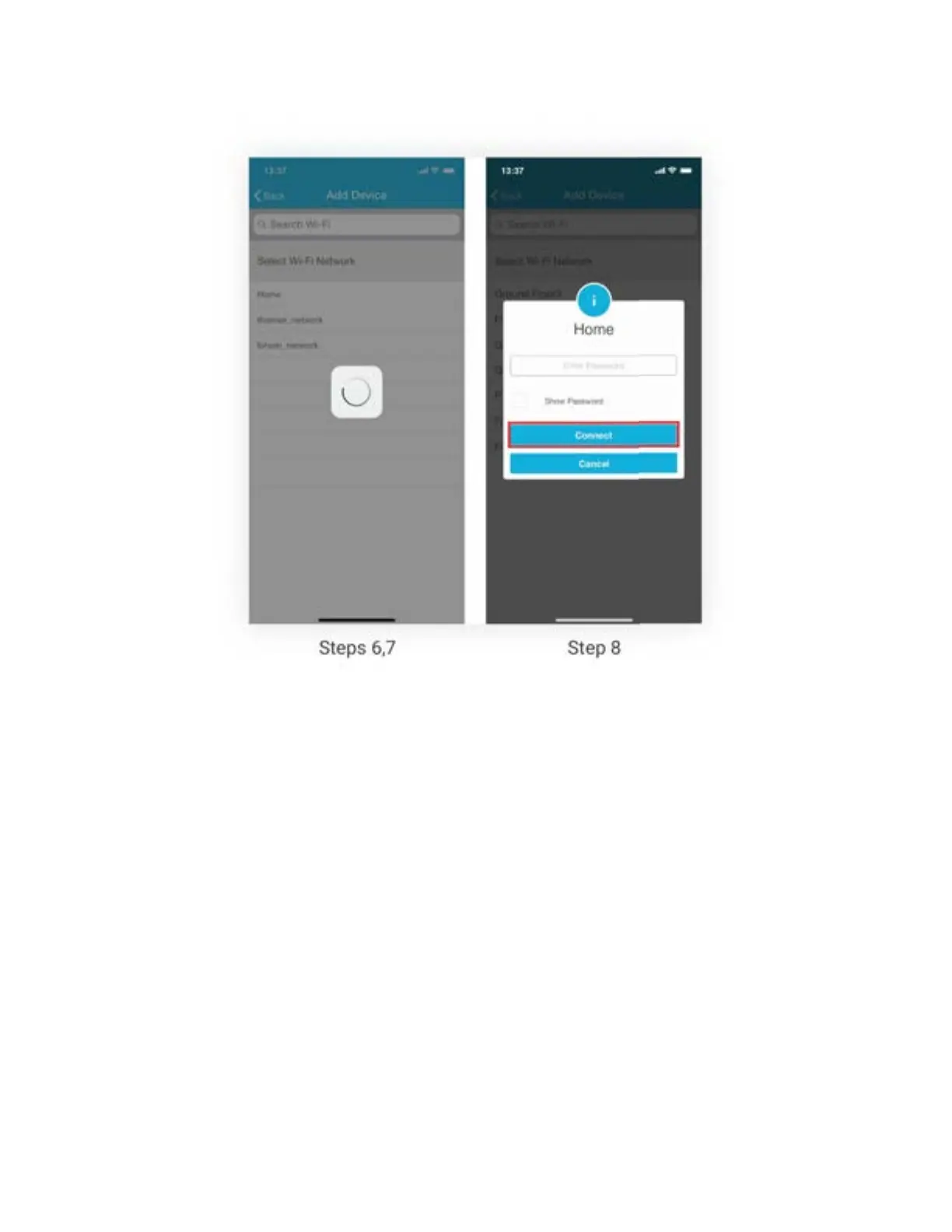
Step 9: Customize your device with a name of your choice (for example, Bedroom, Lounge,
Office, etc.) and tap on ‘Done’.
Step 10: If the circle around AC icon is not green please refresh the home screen by swiping
downwards (Pull-to-refresh).
Step 11: Once the circle around AC icon is green, tap on it to start AC’s remote control
configuration proce.



 To Next Page