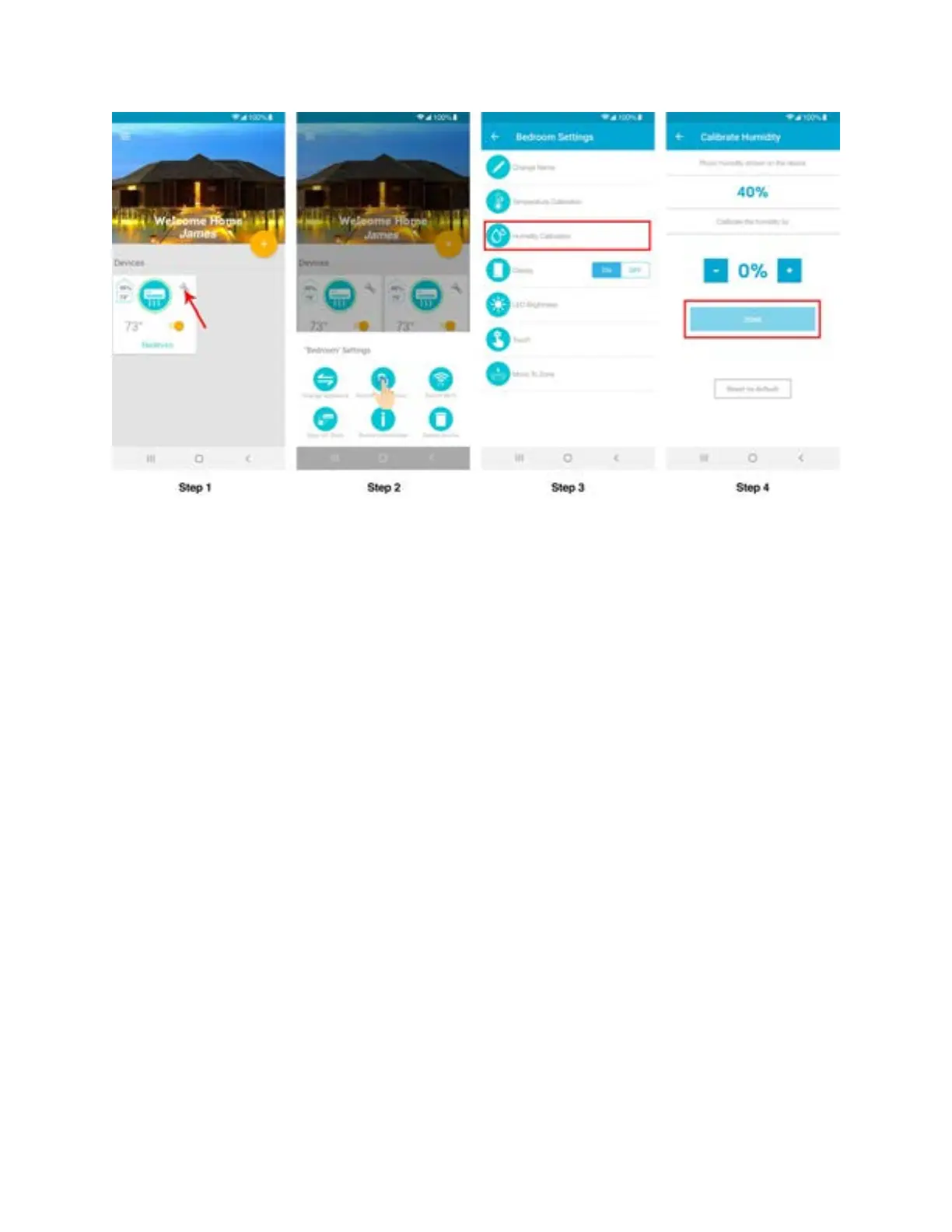
Step 5J: Change Appliance (Manufacturer/Model Number)
- Android users
Step 1: Tap on ‘Wrench’ of your registered Device.
Step 2: In Device settings, tap on ‘Change Appliance’.
Step 3: Select 'Manual Configuration'.
Step 4: Select 'AC / Heat Pump Manufacturer' and 'Remote Control Model Number' from the
lists and tap on ‘Update’.



 To Next Page