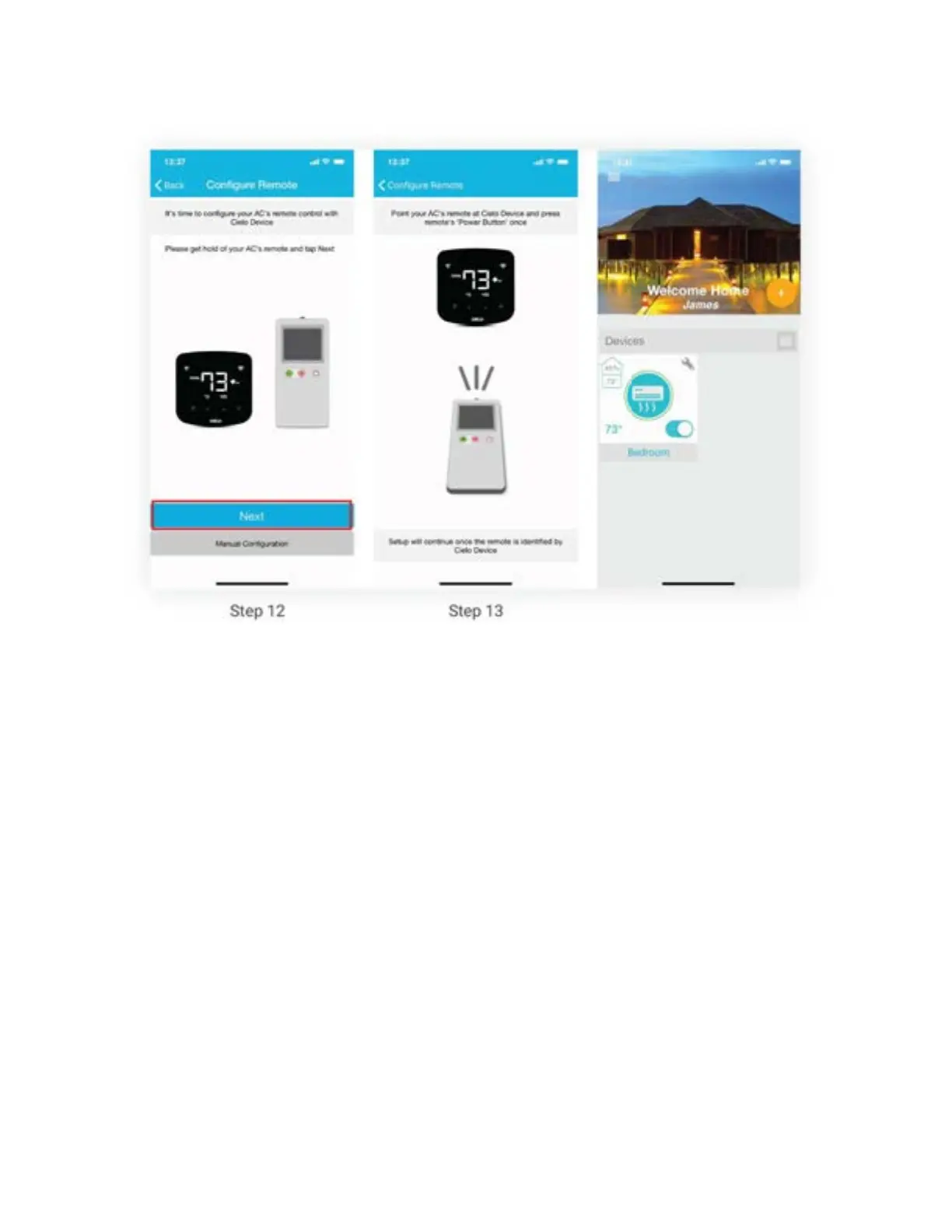
Registration process is complete. Enjoy the unlimited controls!
Quick Tip: All four buttons at the bottom of Breez Plus will blink once at the same time after
receiving the remote control's signal. If they do not blink, please check the batteries of remote
control.
Step 3B: Registration - Android users
Note: Registration process is meant to connect the Breez Plus to your home Wi-Fi network
through the ‘Cielo Home’ App.
Note: For Android OS 8.1 & above, location permission is required to complete the registration
process. You may disable it later.
Note: Please turn off LTE/mobile data on your phone during the registration process to ensure
seamless registration. You may enable it later.
Step 1: After successful login, you are at the home screen.
Step 2: Tap the ‘+’ button as shown in the red circle.



 To Next Page